5 simple photo tips for an attractive website
Now more than ever, a website's visual impact is essential to capture potential customers' attention. Appealing, beautiful photos are crucial to standing out.
1 min read
Now more than ever, a website's visual impact is essential to capture potential customers' attention. Appealing, beautiful photos are crucial to standing out. Luckily, all you need is a smartphone or free image libraries such as Unsplash or Pexels.
Here are five simple but effective photo tips to help your website stand out and engage your audience.
Choose high-quality images
Quality is essential for your website images. High-resolution photos look professional and reflect your attention to detail. They also avoid distortion that could distract users or harm your image. Remember to optimise them for the web: oversized files can slow your website down. Find the right balance between quality and performance.
Keep your brand in mind
Every image on your website should reflect your brand's identity and values. Choose photos that fit your colour palette, style and message. A consistent visual identity strengthens your brand image and gives your website a cohesive, professional appearance.
Use authentic photos
Image libraries are convenient, but nothing matches the authenticity of your own photography. Images of your products, services or team add a personal touch that generic photos cannot provide. Authentic photos build trust and connect with your audience by showing the real people and products behind your brand.

Optimise your images for SEO
Images do more than look good: they are powerful SEO tools too. Use relevant keywords in filenames, alternative text (alt text) and captions to improve your website's search visibility. This helps search engines understand and index your content, which can make your website more visible in search results.
Add variety
Variety keeps your website lively and engaging. Alternate close-ups with action shots to hold visitors' interest. Also consider different formats, such as slideshows, galleries or background images, to add depth and visual appeal to your website.
Looking for a website?
With Eazyclick, your website is designed from scratch, entirely for you.
You might also like these articles
-
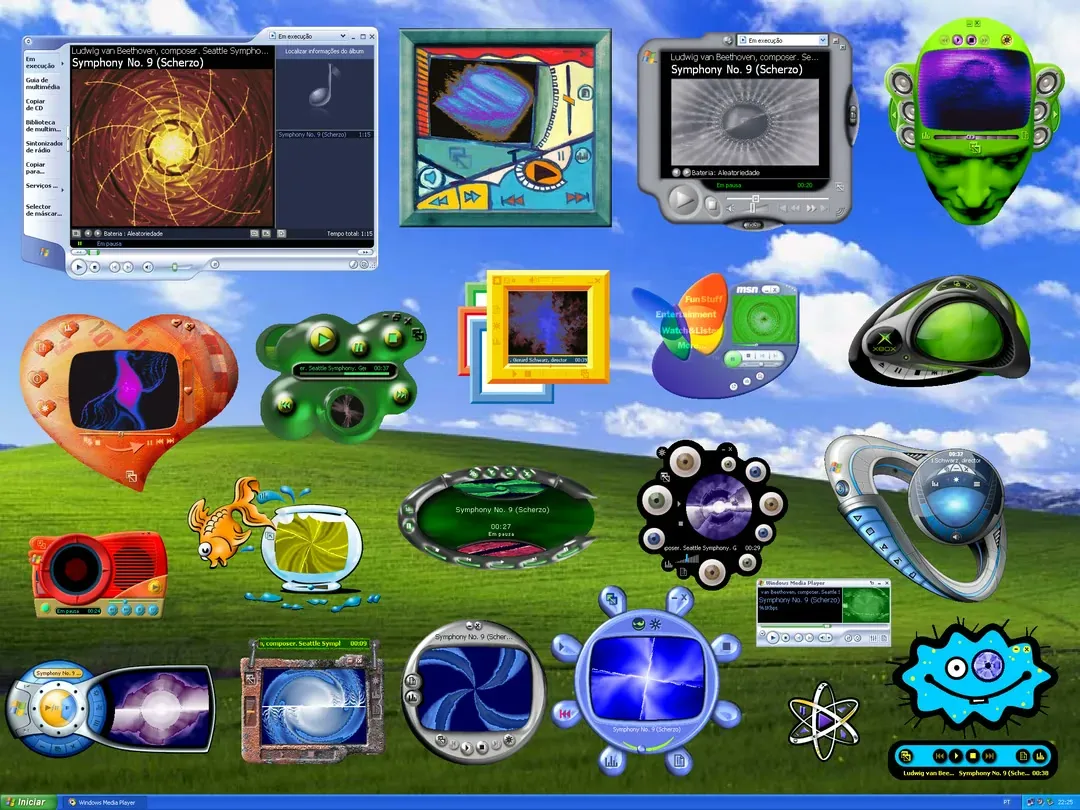
Winamp skins: when interfaces refused to be invisible
What if your website could have a real personality?
-
E-commerce API and webhooks: syncing stock and orders with your ERP
Connecting your online shop to an ERP, a third-party POS or a marketplace takes an API and webhooks. Here is how they work, what the Eazyclick API covers and how to keep your stock in sync.
-
Customer satisfaction surveys: an NPS guide for shops and small businesses
A score from 0 to 10 and one open question are enough to know whether your customers would recommend you. Here is how to calculate NPS, when to send the survey and what to do with the answers.


Useful tips, straight to your inbox
Get the latest Eazyclick tips and join a community that shares, learns and moves forward together.
Thank you!
Your subscription is confirmed. The next tips will reach your inbox soon.
Further reading
Arrange your discovery call
Book a call with an expert
30 minutes, zero bullshit. We review your presence, identify the most strategic option for your goals, and tell you exactly what to do next.


