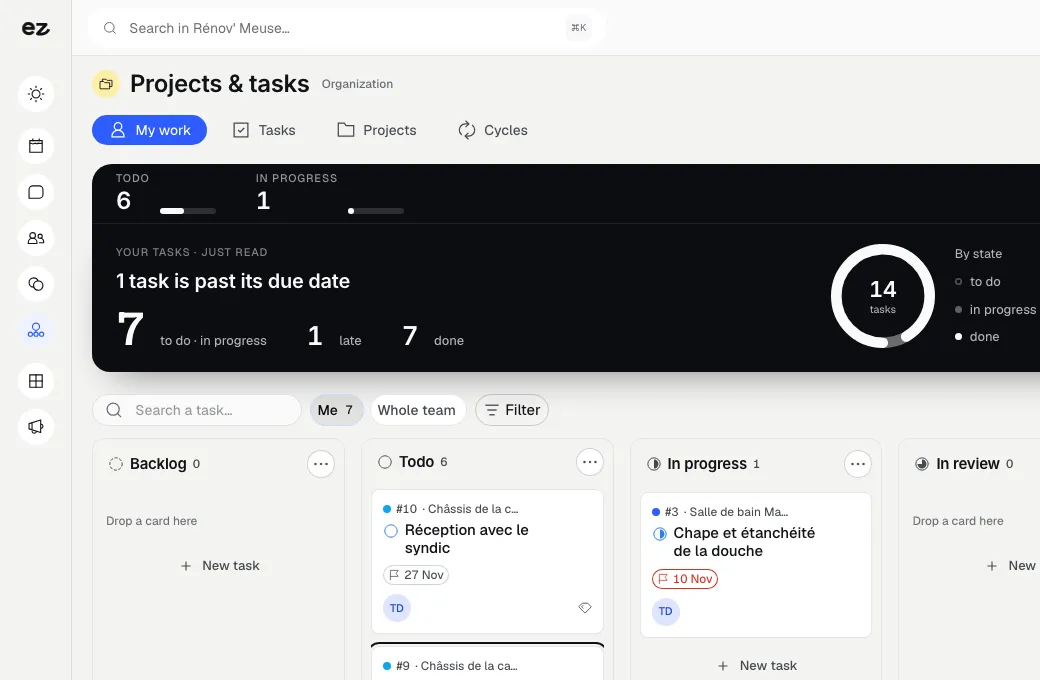
Projects & time tracking module

Timesheets and projects, tracked hour by hour

Your jobs and projects, tracked hour by hour

Tasks, time spent and budgets alongside your quotes and invoices. Know which projects make you money and which cost you.

Google 5.0/5

Track projects, hours and budgets in one place, and invoice time spent without re-entering data.

Ideal for site work and assignments

Know which projects make you money

Every project links to the customer record. Your team logs hours by project, you compare the planned budget with the budget used, and billable time joins the invoice with a click.

  • Projects and tasks linked to the customer record

  • Hours logged by project and person

  • Planned budget versus budget used

per month

48 h

to activate the module

No more hours lost between spreadsheets

On a job site or assignment, hours are logged in a notebook, in a spreadsheet or not at all. At the end, it's hard to know whether the project was profitable, and some time is never invoiced.

With Projects & time tracking, every project lives on the customer record, with its tasks, everyone's hours and its budget. Billable time goes onto the invoice through Quotes & invoices, without re-entering data.

See on one screen which projects make you money and which cost you. Your project manager configures the module with you.

Who is Projects & time tracking for?

  • Architects
  • Tradespeople and construction businesses
  • Agencies and consultants
  • Teams billing for time spent
Book a free call

New in the console

Your milestones and documents, kept up to date

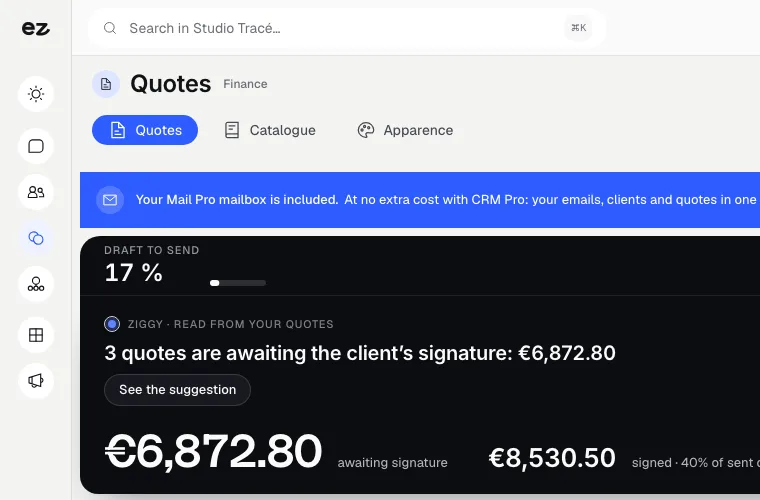
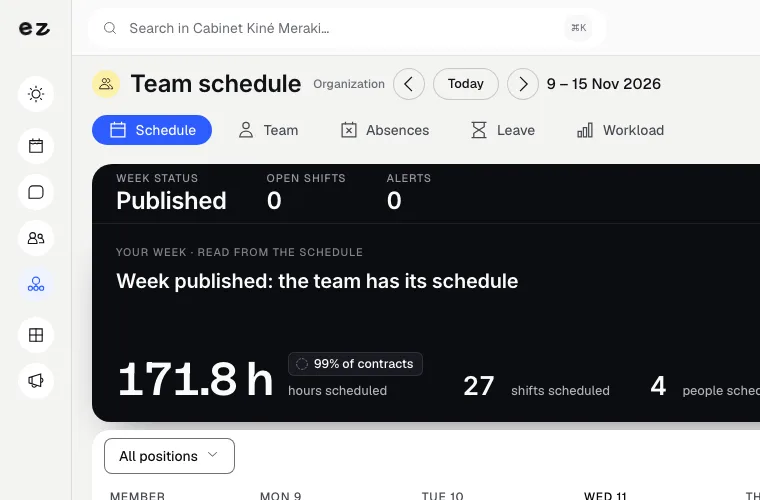
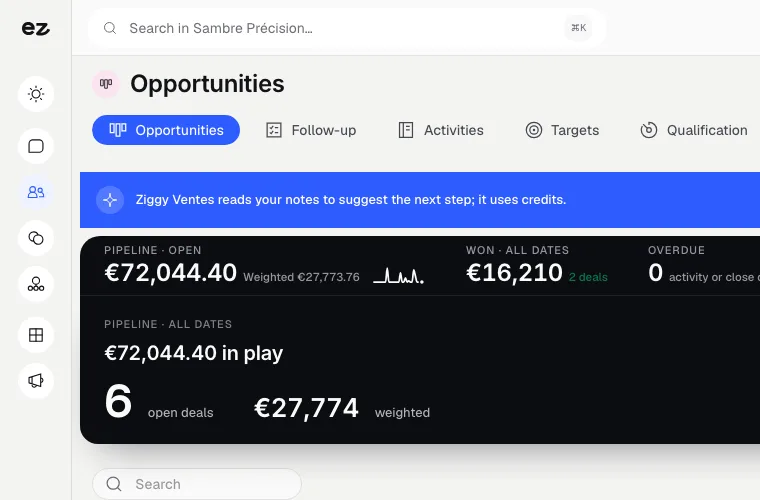
The latest console screens, as they are, at Maison Lavaux, a demo business.

  1. New

    A deal's milestones, ticked off one by one

    The deal moves forward milestone by milestone: you see how many are done and which comes next, without opening a separate sheet.

  2. New

    Supplier invoices fill themselves in

    Drop the PDF: Ziggy fills in the supplier, number, dates, description and amounts, highlights what it read and flags what is left to check.

What our timesheet and project management software does

Kanban projects linked to the customer record

Every project opens on the customer's record. Tasks move across a kanban board, and a task can wait until another one is finished. Questions and answers stay on the task as comments, instead of getting lost in email threads, so anyone picking up the work finds the context.

  • Customer record
    The project lives alongside quotes, invoices and conversations
  • Kanban
    Tasks move to the next column in one gesture
  • Dependencies
    A task waits until the one it depends on is done
  • Comments
    What is said about a task stays on the task

Timesheets with a timer and approval

Each person starts the timer when they begin a task, or logs hours afterwards. They then submit their entries, and a manager approves them or sends them back. Once a period is locked, its hours can no longer change, so the invoice and the timesheet always match.

  • Timer
    One click to start, one to stop: the entry is created
  • Submission
    Submitted hours are frozen for their author
  • Approval
    The manager approves or sends back for correction
  • Billable or not
    Separate billable time from internal time

Budget, profitability and invoicing

Create a project budget from a deal in your CRM. Add your hourly costs and expenses, and the module calculates revenue, cost, profit and margin. Approved hours and the budget go onto the invoice through the Quotes & invoices module, without re-entering anything.

  • From the deal
    The budget starts from the deal and its customer
  • Hourly costs
    Every hour counts at its real cost
  • Expenses
    Your expenses add to the project cost
  • Onto the invoice
    The invoice starts from the budget, no re-entry

Track projects and hours in 3 steps

Three steps. No mental load. A module that works for you, not the other way round.

View all modules
Step 01

We set up your projects with you

Your project manager takes your ongoing projects, hourly rates and team into account. In one session, the module is ready.

Step 02

Your team logs its hours

Everyone logs hours against the right project. Track progress and budget usage in real time.

Step 03

Invoice the time spent

Billable time joins the invoice with a click through Quotes & invoices. You finally know what each project earned you.

Modules that complement project tracking

Every module you activate strengthens the others

Quotes & invoices

Management & finance

Quote accurately. Get it signed online. Get paid.

The quote sets the project budget, and billable time goes onto the invoice without re-entering data.

Discover

Team scheduling

Management & finance

Your weekly schedule with drag and drop.

Team scheduling says who works when; Projects & time tracking says on what.

Discover

CRM Pro

Customer relationships

Your leads organised, tracked and followed up.

Every project attaches to the customer's record in your CRM, complete with its history.

Discover

What the Projects & time tracking module includes

Included in Spark (1 of the 2 modules of your choice) and in Boost

The final price depends on the size of the team logging its hours: your project manager confirms it before setup, with no hidden costs afterwards. With Boost, standard modules are unlimited.

Which trades is the Projects & time tracking module built for?

The Projects & time tracking module is not limited to one trade. Each page below presents a business that puts it forward: what its website does, the other useful modules and our pricing. Open the one that matches yours to see the module in context.

Three plans. One tool.

Run your business and make it visible: pick the plan that fits your activity, not an imaginary budget.

excl. VAT

Free

Try Spark for free

Start for free

€ 0 for 14 days

Your trade’s pack on trial, no card needed

After 14 days: read-only account, website still online

Ziggy and help centre

Users
3 during the trial
Standard modules
Your trade’s pack
Premium modules
To discover during the trial
Website
Template website to customise, live on an Eazyclick address

Spark

Run it and be seen

Most recommended

From

€ 71/month instead of € 99

€ 672 less over 24 months than with no commitment

1 h with your project manager every month

Users
3 included, then €11 per user, decreasing
Standard modules
2 included, then decreasing
Premium modules
Optional
Website
4-page website included; 6 pages or more from €19/month, Custom or High-end

Boost

Tailor-made and multi-site

From

€ 620/month instead of € 865

€ 5,880 less over 24 months than with no commitment

2 h with your project manager every month

Users
10 included
Standard modules
Unlimited
Premium modules
Optional, SEO Boost included
Website
High-end, developed to measure
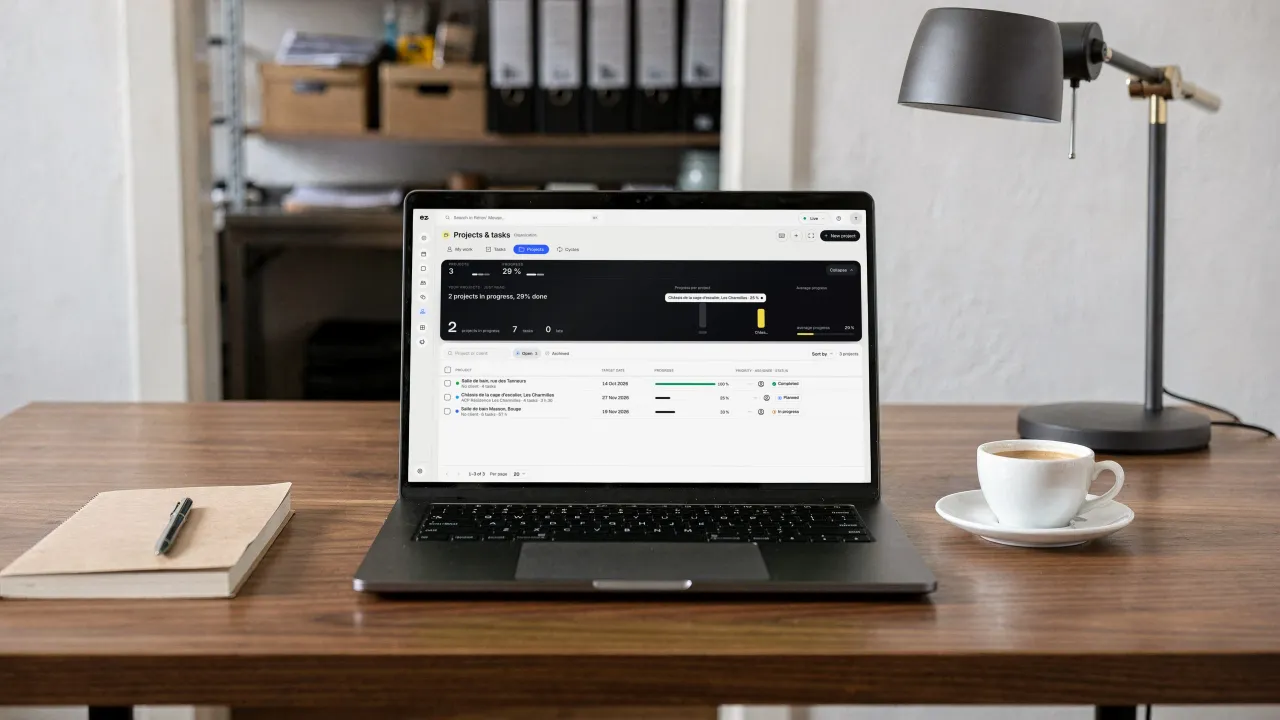
A laptop on the manager's desk, a notebook and a cup of coffee beside it: on screen, ongoing Projects, their progress and their deadlines

Questions? We have answers.

View all FAQs

How much does the Projects & time tracking module cost?

The module alone costs € 21/month excl. VAT with a 24-month commitment (€ 24/month over 12 months).

Exact pricing and setup depend on your team size and the number of projects tracked: your project manager confirms them in writing before you begin. Add the module to any package or use it on its own in your Eazyclick workspace, without a website.

Is this module included in a plan?

It is a standard module: one of the 2 included in Spark, and included in Boost. Your project manager helps you choose the modules your business really needs.

Do I need an Eazyclick website or pack already?

No. The Projects & time tracking module also works without an Eazyclick website, in a workspace set up by your project manager. With an Eazyclick website, every enquiry received becomes a project linked to the customer record. Not a customer yet? We'll put your plan together during an initial call.

Does time spent go onto the invoice?

Yes, with the Quotes & invoices module. Only approved hours can be invoiced, and an invoiced hour can no longer be edited, so the invoice and the timesheet always match. You can also invoice straight from the project budget. Internal time stays visible so you can measure profitability, without being billed to the customer.

Is this different from the Team scheduling module?

Yes, and they complement each other. Team scheduling organises shifts: who works when, in which role, with leave and shift swaps. Projects & time tracking follows the work itself: which project, how many hours and against what budget. The first covers your opening hours; the second measures your projects' profitability.

How does timesheet approval work?

Each team member logs hours or starts the timer, then submits their entries. Once submitted, they can no longer edit them. A manager approves the entries, or rejects them so they can be corrected. Only approved hours can go onto an invoice, and you can lock a past period to freeze it.

How do you calculate project profitability?

Add up what the project earns you, then subtract its cost: hours worked multiplied by their hourly cost, plus any expenses. What remains is your profit, and the margin is that profit as a percentage. In Projects & time tracking, the budget does this calculation for you as hours and expenses come in.

Arrange your discovery call

Book a call with an expert

30 minutes, zero bullshit. We review your presence, identify the most strategic option for your goals, and tell you exactly what to do next.