What this module is for
Your projects and tasks on a board or in a list, time spent logged with a timer or by hand, and budgets comparing what was sold with the time used: you know what each job earns.
Getting started, step by step
- Step 1
Turn the module on
This module is still in beta: it is not listed in Available modules. Ask your project manager, who turns it on for you. Once active, Projects & tasks, Time tracking and Budgets show up in the menu, with a “?” at the top of the screen that brings you back to this page.
- Step 2
Create a project
In Projects & tasks, Projects tab, click “New project”: its name, the customer from your CRM (or Internal) and its colour.
- Step 3
Split into tasks
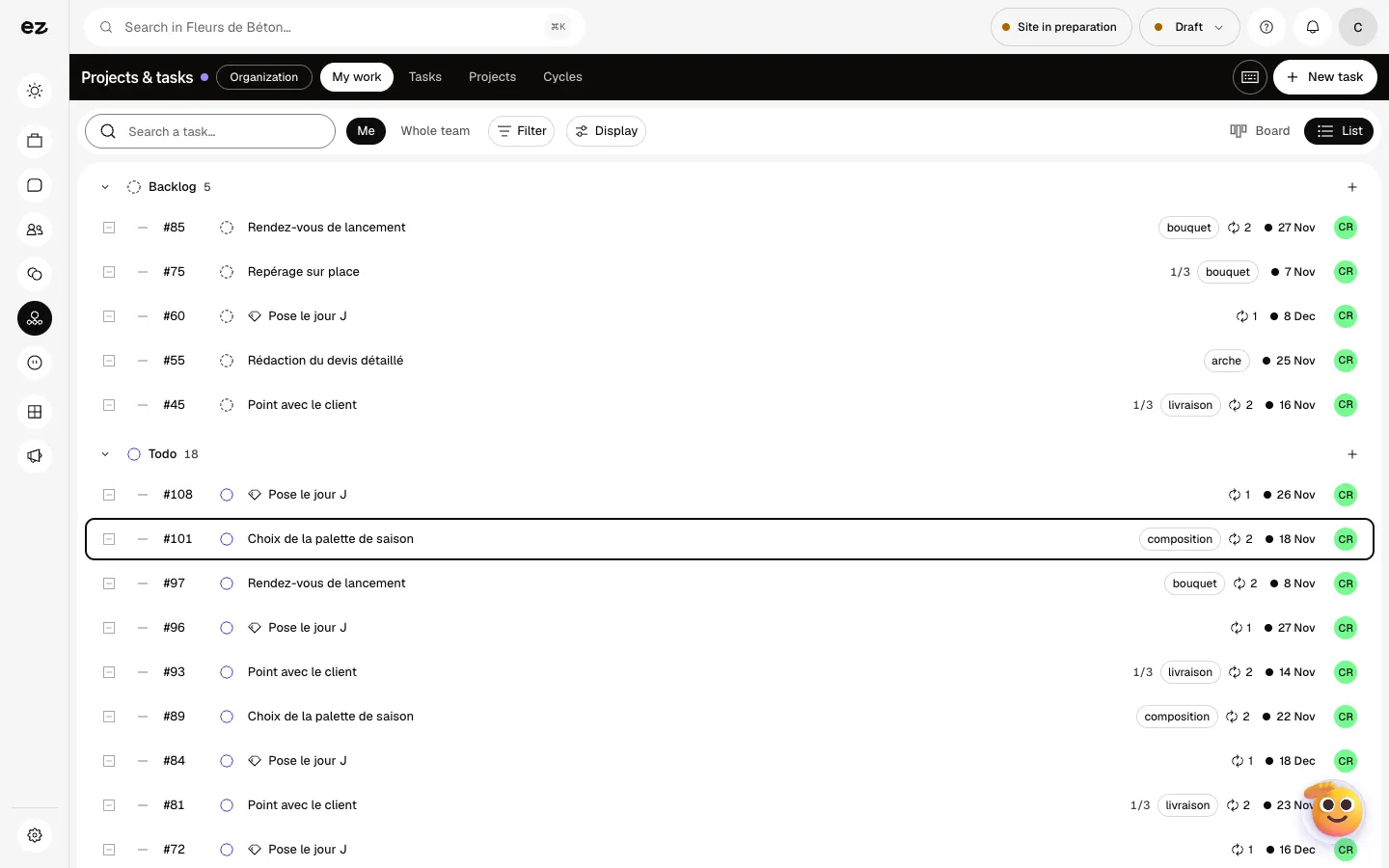
“New task” adds a task, with its owner, priority and due date. Move it along in Board or List view. The My work tab gathers what is yours, Cycles organises work by period.
- Step 4
Log time
In Time tracking, “Start a timer” or “Track time” to log your hours on the right project and task; tick “Billable time” if needed. “Submit week” sends it to the Approval tab.
- Step 5
Compare with the budget
In Budgets, “New budget” links a customer and a project to the services sold. The list shows time spent, revenue, cost, margin and the share already invoiced.
What it looks like
The module in one minute
Transcript
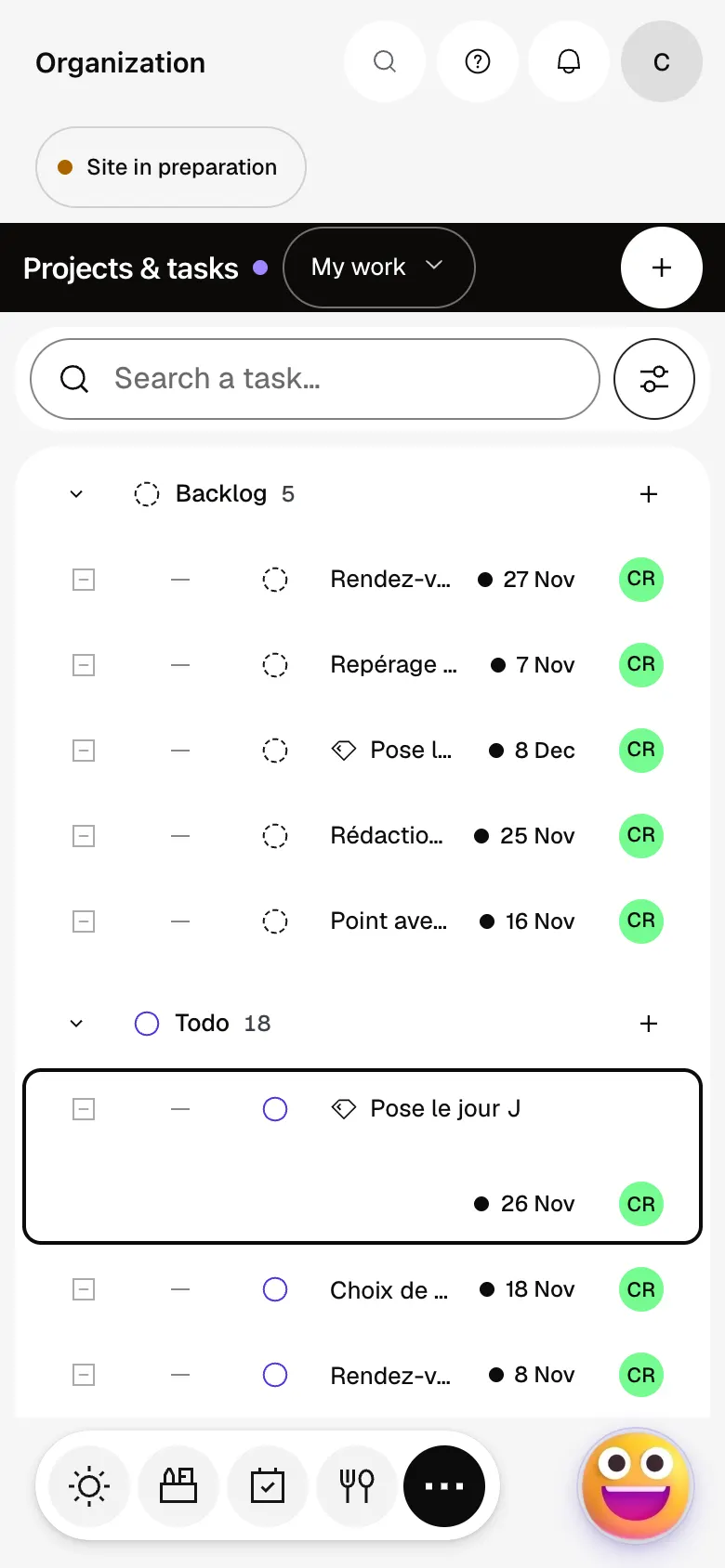
All your projects, their customer and their progress on one page: nothing gets lost. The Delvaux wedding, open: its tasks, from ordering the flowers to setting up on the day. On the board, each task moves from column to column, from to do to delivered. My work only shows your tasks, each with its due date and project. A new task takes seconds to create, and the keyboard shortcut is even quicker. Cycles split work into short periods, so you know what has to ship this week. The “?” at the top of every screen opens the module’s documentation.
Do colleagues log their own time?
Yes, everyone logs their own hours and submits their week; you approve or reject it in Approval. The Reports tab gives the total for you or for the team.
Can I invoice a project?
Yes, with Quotes & invoices: on a budget, “Generate invoice” prepares a draft from the services sold, once or on a recurring basis. You then issue it yourself.
How much does Projects & time tracking cost?
It is a standard module: included in Spark’s 4 places, then at most €24 excl. VAT per month with a 12-month commitment, less as you add modules; unlimited in Boost. Time tracking and Budgets are included. Still in beta, it does not open during the trial.


