What this module is for
Your rooms, rates, stays and guests in Eazyclick OS: a night-by-night calendar, the day’s arrivals and departures and an iCal link to your other calendars, with no per-night commission.
Getting started, step by step
- Step 1
Turn the module on
In Eazyclick OS, open Settings then Eazyclick subscription, Available modules tab, and click “Request activation” next to Hotel booking, or ask your project manager. During the trial, the list is in My plan, under “Add other modules”: a module marked “With Spark” opens when you move to Spark. Once active, the module shows up in the menu, with a “?” at the top of the screen that brings you back to this page.
- Step 2
Create your rooms
In the Lodging menu, Rentals tab, click “Add a rental”: name, description, amenities, photos, capacity, number of units and price per night.
- Step 3
Set your rates and rules
On a saved room, add Seasonal rates, the Minimum stay and Closures. The Settings tab sets the default deposit, the cancellation policy and check-in hours.
- Step 4
Record stays
“New booking” records a stay taken at the desk or by phone: it is confirmed right away and its price comes from your rates. In the Calendar, drag along a row to pick nights, then book, block or set a price.
- Step 5
Follow the day
The Today tab shows departures, ongoing stays, arrivals and requests to confirm. The “iCal link” button publishes your stays to Airbnb, Booking.com or your calendar.
What it looks like
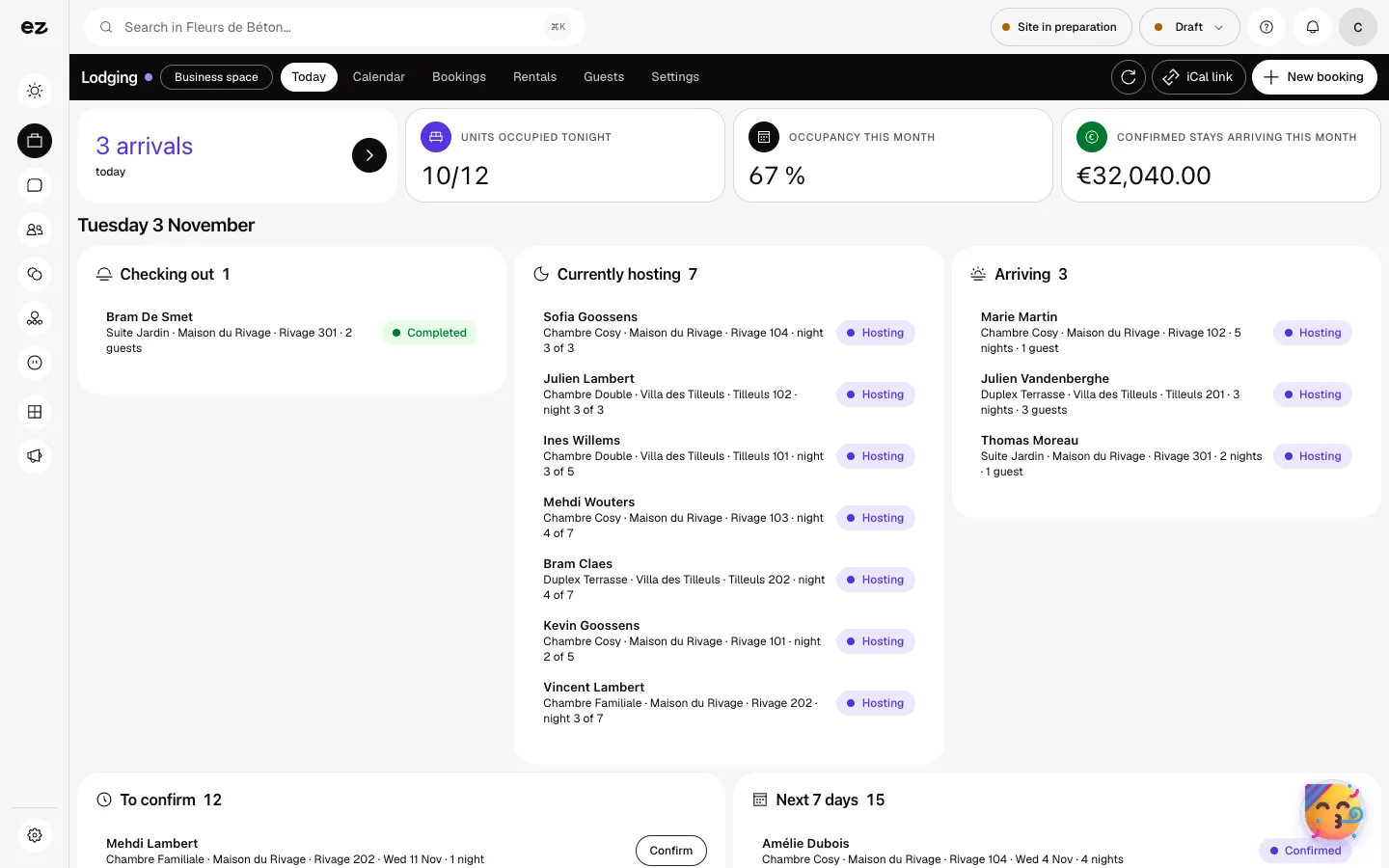
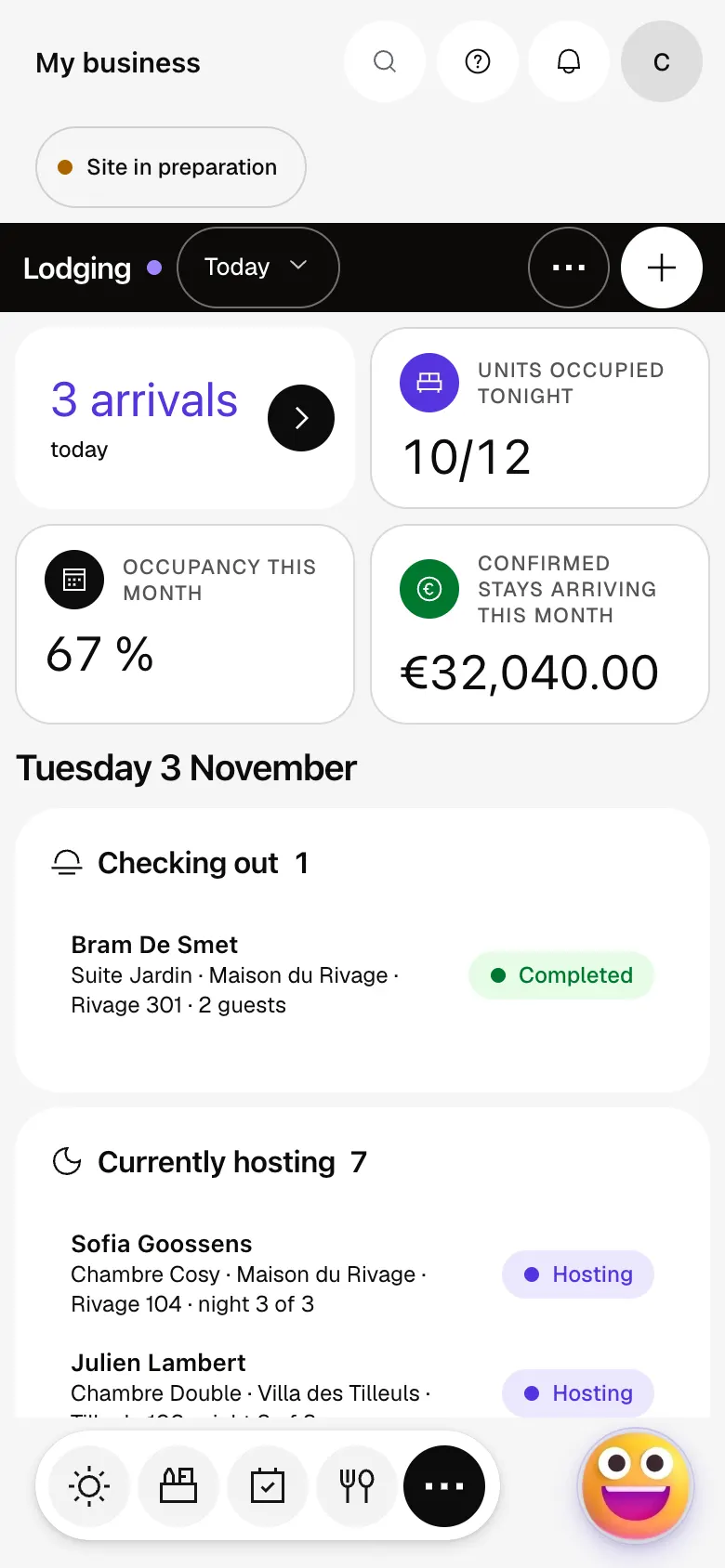
The module in one minute
Transcript
Your day on one screen: who leaves, who stays, who arrives today. Arrivals first, then tonight’s and this month’s occupancy, in numbers. The calendar shows every room, night by night, over two weeks. Drag along a line to pick nights: book, block or set a price. Stays coming up, ongoing and to confirm, with the nights and the amount. Your rooms, with their capacity, number of units and nightly price. Each guest keeps their record, from one stay to the next. The iCal link publishes your calendar to your other calendars. The “?” at the top of every screen opens the module’s documentation.
Is there a per-night commission?
No, Eazyclick takes no per-night commission: the module is a monthly subscription.
Can guests book by themselves on my website?
Not for now. They write through your website’s forms or call you, and you record the stay with “New booking”.
Does the guest pay online?
Not from this module for now. You follow the payment on the stay’s record: Unpaid, Deposit received or Paid.
Does the iCal link import my Airbnb bookings?
No, it works one way: it publishes your stays to other calendars. A booking taken elsewhere is entered or blocked in the Calendar.
Can I add it during my free trial?
It is open during the trial in the Stays pack (hotel, guest house). Otherwise this premium module opens with Spark, not on its own during the trial. The module itself uses no credits.
How much does Hotel booking cost?
The price of Hotel booking is shown on the module page and on the Pricing page. Eazyclick subscription also shows what it adds to your subscription before you request it.


