What this module is for
Sell tickets on your website: online payment, QR ticket sent by email, entries scanned by phone and attendees tracked.
Getting started, step by step
- Step 1
Turn the module on
In Eazyclick OS, open Settings then Eazyclick subscription, Available modules tab, and click “Request activation” next to Ticketing, or ask your project manager. During the trial, the list is in My plan, under “Add other modules”: a module marked “With Spark” opens when you move to Spark. Once active, the module shows up in the menu, with a “?” at the top of the screen that brings you back to this page.
- Step 2
Create the event
In Ticketing, click “Create an event”: title, date and time, venue, image, capacity and rates. Each rate becomes a ticket category, with its own price and seats.
- Step 3
Follow sales
Tickets are on sale as soon as the event is created, through your website’s Shop, and every buyer gets their QR ticket by email. The event page brings together Dashboard, Attendees and Rates, with CSV export.
- Step 4
Scan at the door
On the day, click “Scan tickets” or open the Access control tab, then hold the QR code up to the camera. A ticket already scanned or refunded is flagged. An unreadable ticket is validated by hand from Attendees.
What it looks like
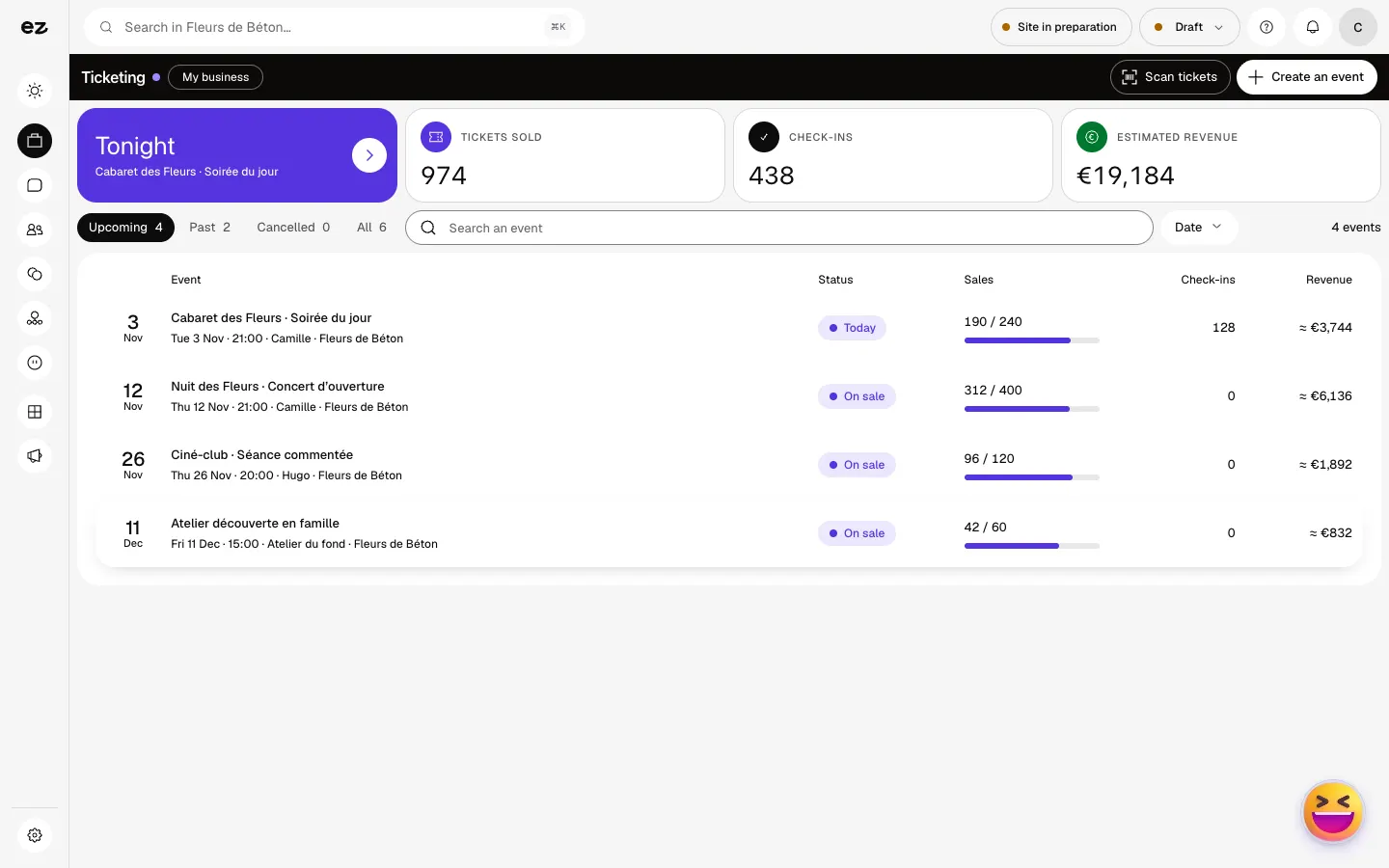
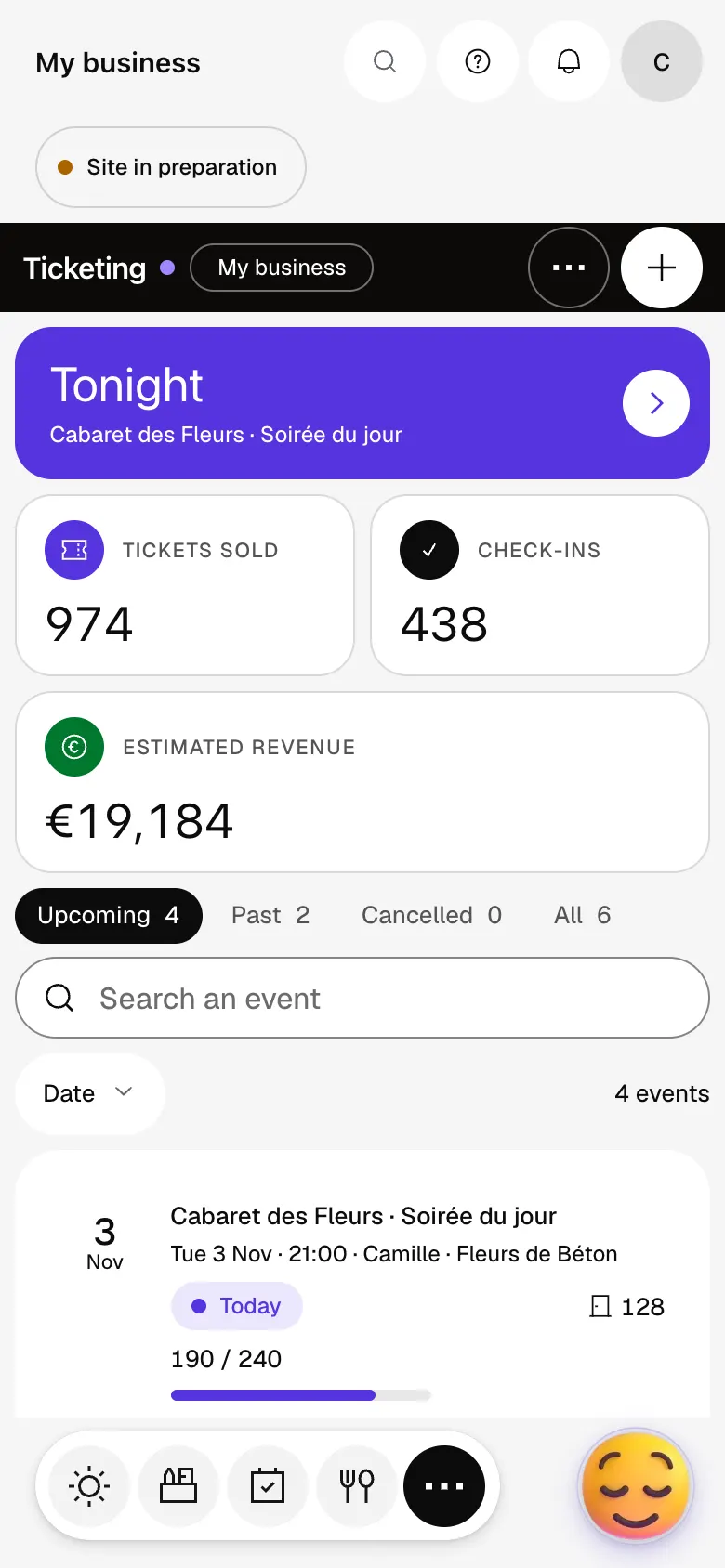
The module in one minute
Transcript
Your events, tickets sold and takings, at a single glance. Each line shows how sales are going, seat by seat. On the event page: how full it is, the takings and sales day by day. Attendees: every buyer and every ticket, found in seconds. Prices: full, reduced, the number of seats and the price of each. On the night, scan tickets at the door: every entry is counted. A new event? Create it: date, venue, prices, and sales open. A question? The “?” at the top of every screen opens this documentation.
Is an app needed to scan?
No, scanning works from the phone’s browser, signed in to Eazyclick OS. If the browser cannot detect the QR code, enter the code manually.
Do I need the Shop?
Yes, tickets are sold through your website’s Shop: the E-commerce module must be active.
Where does ticket money go?
Into the Mollie or Stripe account linked to your Shop, not to Eazyclick.
How much does Ticketing cost?
This is a standard module: included in Spark’s 4 places, then at most €24 excl. VAT per month with a 12-month commitment, less as you add modules; unlimited in Boost. It requires the E-commerce module (€99 excl. VAT per month over 12 months). Still in beta, it does not open during the trial: it comes with Spark. Selling and scanning use no credits.


