What this module is for
Your team’s shifts by drag and drop, absences and swaps approved by you, and a schedule everyone receives through a personal link, tied to your appointments.
Getting started, step by step
- Step 1
Turn the module on
In Eazyclick OS, open Settings then Eazyclick subscription, Available modules tab, and click “Request activation” next to Team scheduling, or ask your project manager. During the trial, the list is in My plan, under “Add other modules”: a module marked “With Spark” opens when you move to Spark. Once active, the module shows up in the menu, with a “?” at the top of the screen that brings you back to this page.
- Step 2
Add your staff
In Team schedule, Team tab, click “Add member”: their name, role, email and hours per week.
- Step 3
Build the week
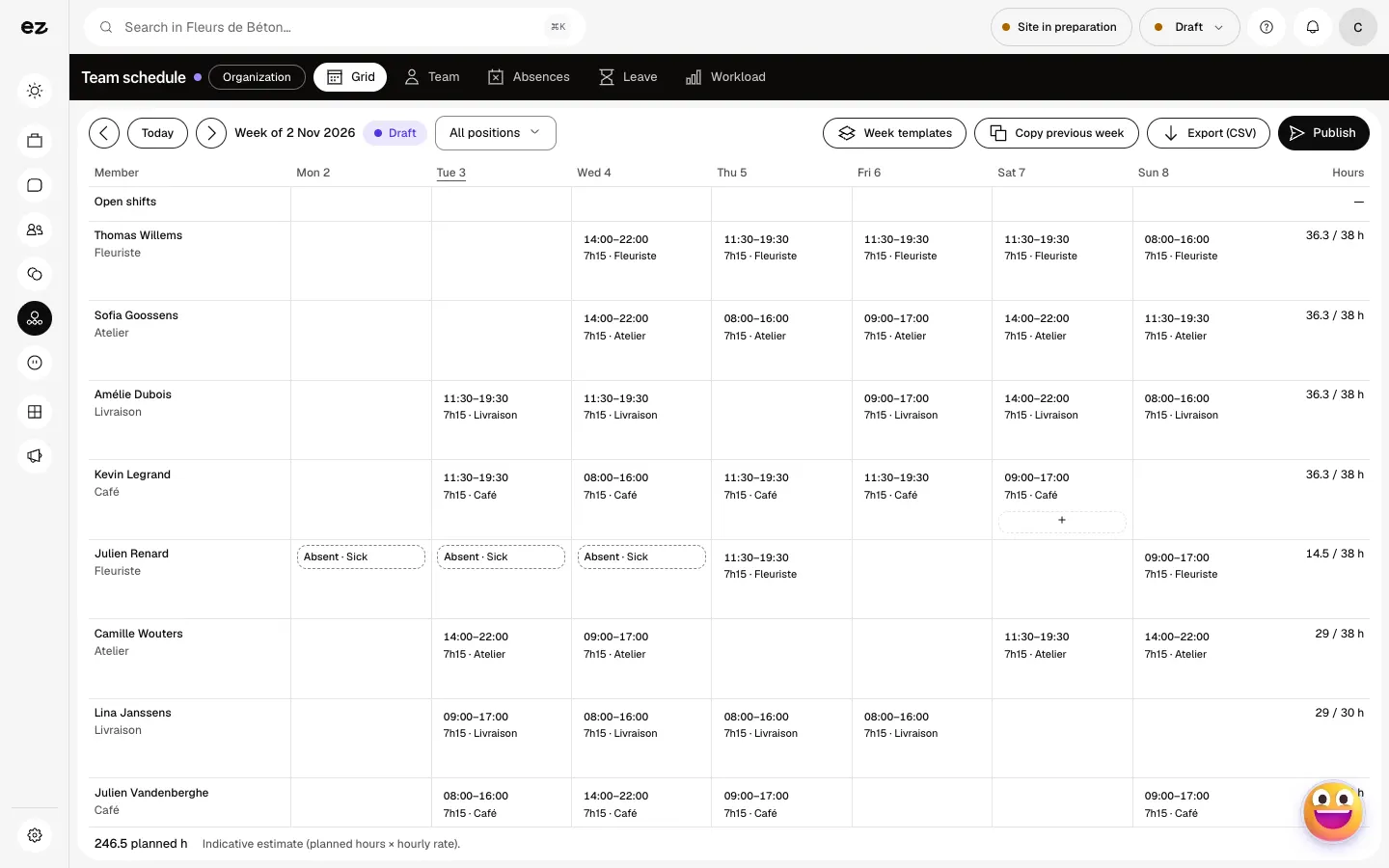
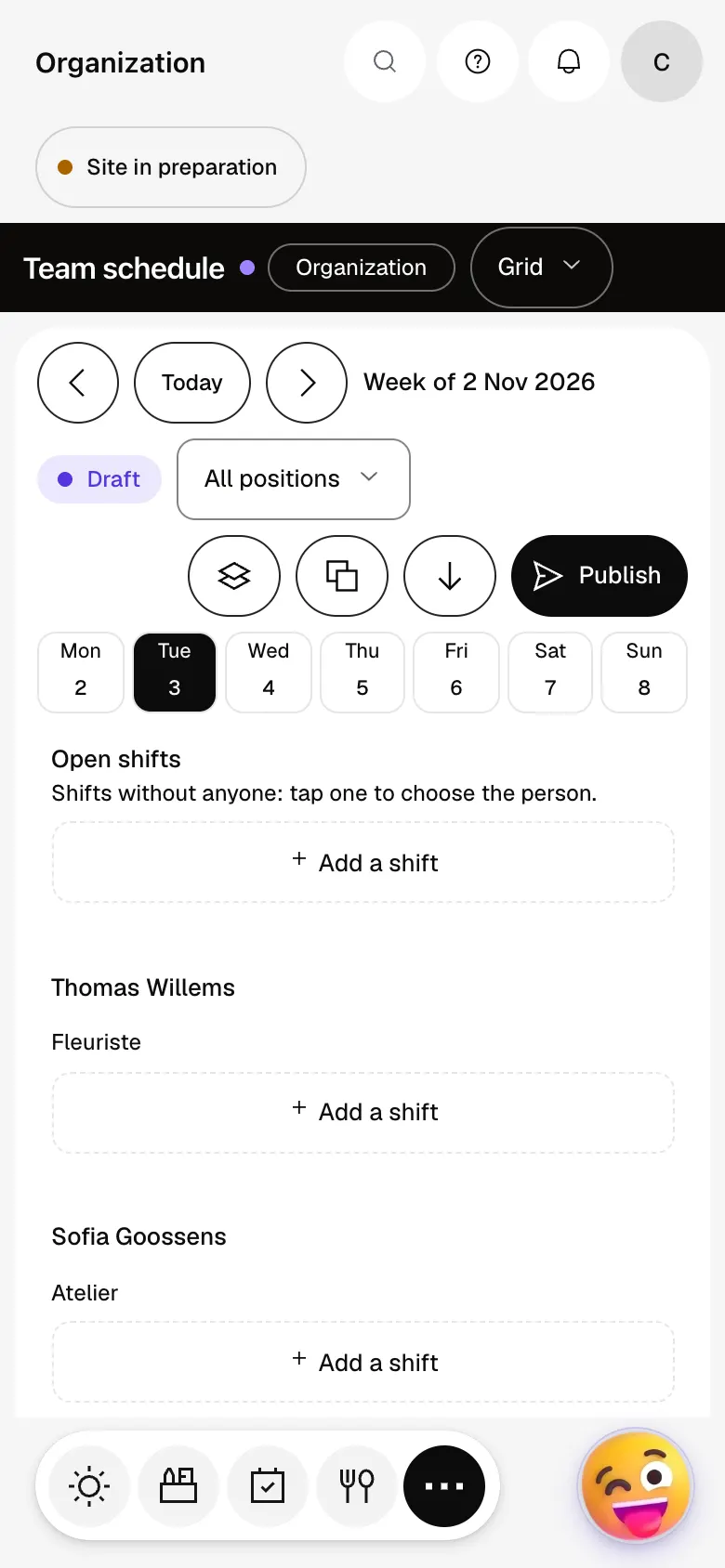
In the Grid tab, add shifts and drag them from one day or person to another. The “Open shifts” row keeps those with nobody yet. “Week templates” and “Copy previous week” save you from starting over.
- Step 4
Publish the schedule
Click “Publish”: each member gets an email with their personal link to their shifts, no account needed. This requires an email address on their record, and a site with its public address.
- Step 5
Approve absences and swaps
From their link, a staff member requests a swap or reports being unavailable. In the Absences tab you find those requests and “New absence”. The Leave tab tracks balances, Workload the team’s workload.
What it looks like
The module in one minute
Transcript
The whole week on one grid: who works, at what time and in which role. Kevin goes over his contract: the alert flags it before the schedule even goes out. No need to redo everything: copy the previous week or start from a week template. The schedule stays a draft until you publish it for the team. Holidays, sickness, pending requests: every absence in one place. The workload plan compares planned hours with each person’s capacity, over six weeks. The “?” at the top of every screen opens the module’s documentation.
Can a staff member request a swap?
Yes, from their personal link; the swap only applies once you approve it.
Do I need the Appointments module?
Yes, Team scheduling comes on top of Appointments. A published shift opens the availability of the member linked to a resource, and an absence closes it.
Does the module calculate payroll?
No. Leave balances are indicative, to help you organise, and “Export (CSV)” outputs the week to pass on to your payroll provider.
How much does Team scheduling cost?
It is a standard module that requires Appointments: included in Spark’s 4 places, then at most €24 excl. VAT per month with a 12-month commitment, less as you add modules; unlimited in Boost. During the trial, you can add it yourself from My plan.


