What this module is for
Full tracking of your search presence in Google visibility: a site audit, actions ranked by severity, clicks and positions, competitors, and two pieces of content prepared every month, which you accept or discard yourself.
Getting started, step by step
- Step 1
Turn the module on
In Eazyclick OS, open Settings then Eazyclick subscription, Available modules tab, and click “Request activation” next to SEO Boost, or ask your project manager. During the trial, the list is in My plan, under “Add other modules”: a module marked “With Spark” opens when you move to Spark. Once active, the module shows up in the menu, with a “?” at the top of the screen that brings you back to this page.
- Step 2
Read the overview
Open Google visibility: the Overview sums up the latest audit, Google Search, positions and your priorities. Tracking starts once the site is published.
- Step 3
Work through the actions
The Actions tab lists what to fix, with the page, source, status and severity. Filter the list to start with what matters most.
- Step 4
Follow performance
The Performance tab brings together Google Search (clicks, impressions, click-through rate, position), Positions and keywords, where you add your target keywords, and Competitors.
- Step 5
Read the audit
The History tab keeps the audit report: site score, pages analysed and proposed improvements. “Have the proposed improvements implemented” opens Ziggy with the request already written; nothing changes on your website without approval.
What it looks like
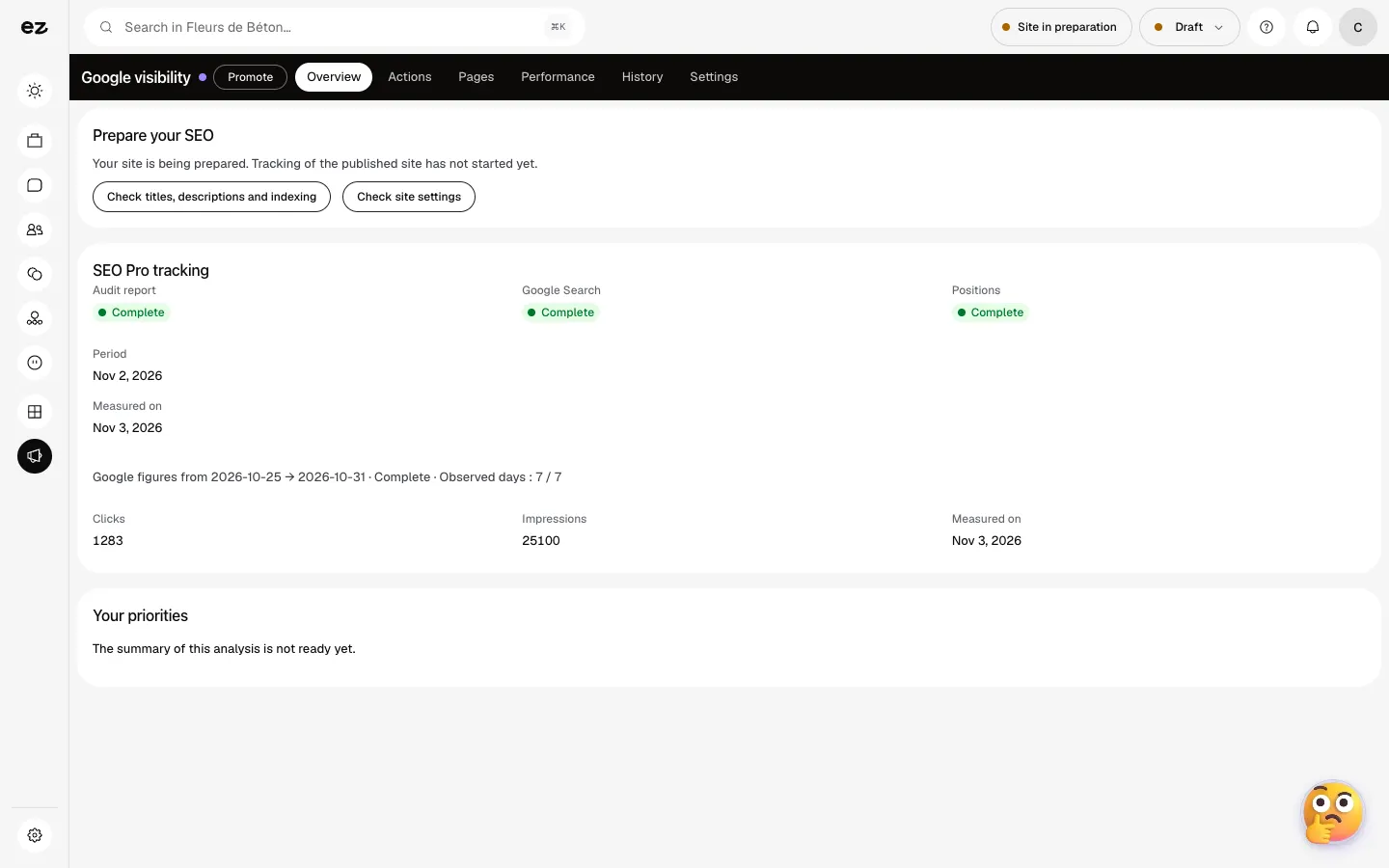
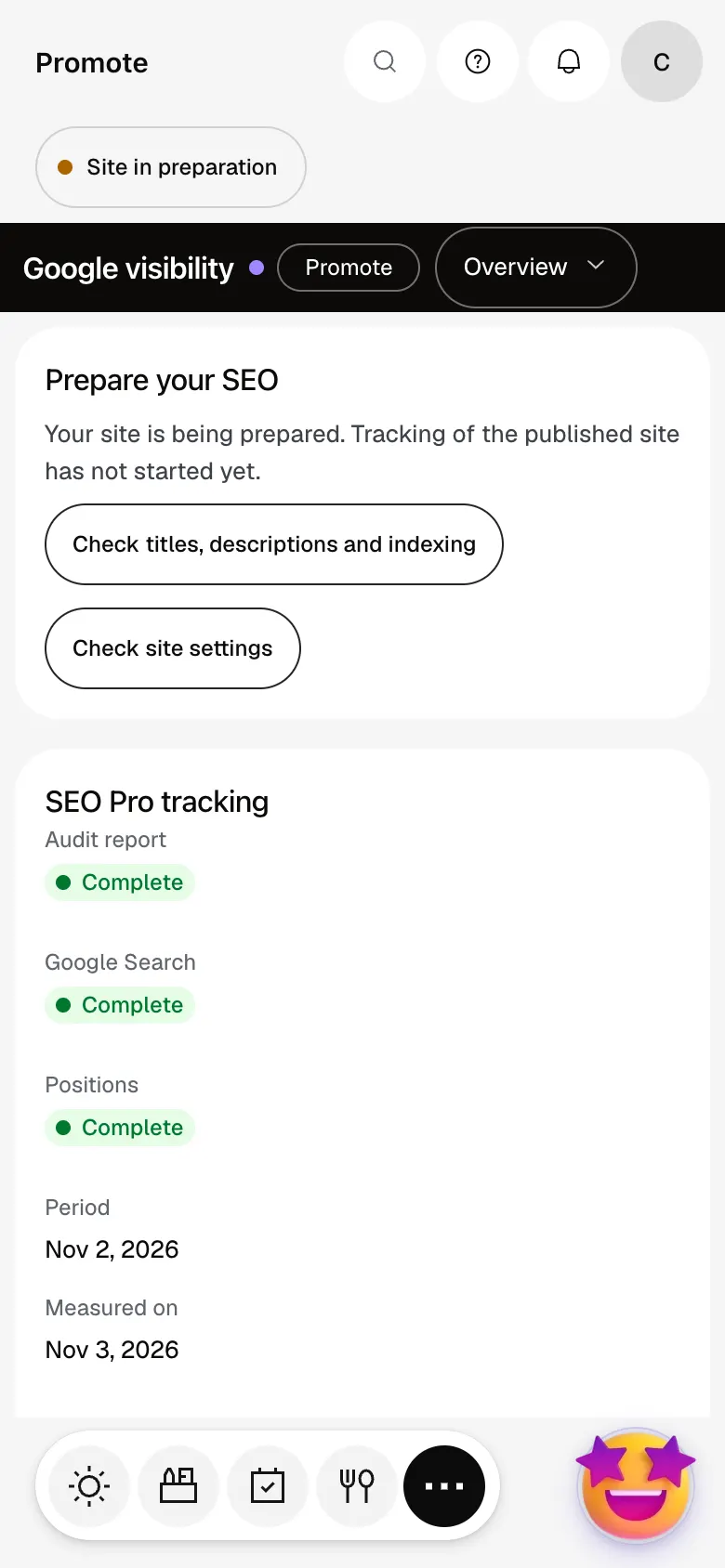
The module in one minute
Transcript
What Google sees of your site: clicks, impressions, click rate and average position. Your keywords are checked every week: their rank, and the page that ranks. Actions: what to fix this week, ranked by severity, page by page. Each action explains the problem, names the page involved and says what to do next. The audit scores your site out of 100, counts the pages crawled and costs the improvements. The history keeps every weekly analysis: you can see what improves, week after week. The “?” at the top of every screen opens the module’s documentation.
Who writes the articles?
The month’s two pieces of content are prepared for you: you accept or discard them yourself before publishing.
Do I need Google Search Console?
Connecting Search Console gives real clicks and positions. Our team connects Google for you: ask Ziggy, there’s nothing to set up on your side.
Does tracking use credits?
No, the audit, tracking and actions use no credits.
Is the module open during the trial?
Only if it’s in the core of your trade’s pack. Otherwise, this premium module is added on top of Spark, and it’s included in Boost.
How much does SEO Boost cost?
The price of SEO Boost is shown on the module page and on the Pricing page. Eazyclick subscription also shows what it adds to your subscription before you request it.


