What this module is for
Quotes signed online, invoices issued and sent by email or over Peppol, payments and reminders tracked, and an export for your accountant.
Getting started, step by step
- Step 1
Turn the module on
In Eazyclick OS, open Settings then Eazyclick subscription, Available modules tab, and click “Request activation” next to Quotes & invoices, or ask your project manager. During the trial, the list is in My plan, under “Add other modules”: a module marked “With Spark” opens when you move to Spark. Once active, the module shows up in the menu, with a “?” at the top of the screen that brings you back to this page.
- Step 2
Fill in your billing details
Open Eazyclick subscription, Billing details tab: legal name, VAT number, company number and address. Without them, an invoice cannot be issued. The “Notices” button in Issued invoices sets the payment term.
- Step 3
Send a quote
In Quotes, click “New quote”, link a contact with an email address and add your lines. “Send the quote” sends them a link to view and sign it online. “Templates” keeps your recurring quotes.
- Step 4
Invoice
On a signed quote, “Create invoice” prepares a draft; you can also start from “New invoice”. “Issue the invoice” gives it its number. Then send it by email or with “Send via Peppol”.
- Step 5
Track payments
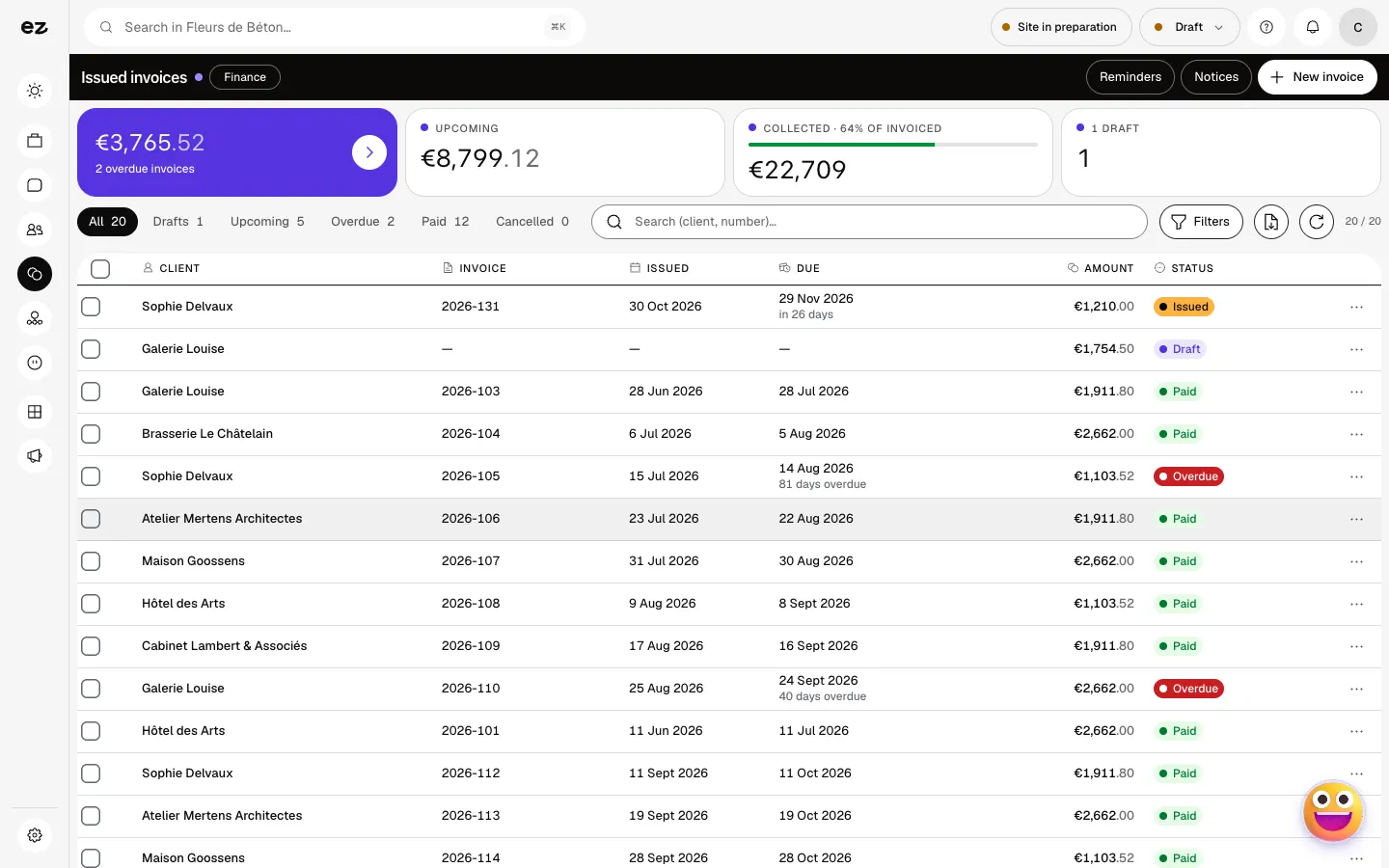
The Overdue filter shows who has not paid. Remind one invoice by hand, or enable automatic reminders with the “Reminders” button: they stop as soon as the invoice is marked as paid.
What it looks like
The module in one minute
Transcript
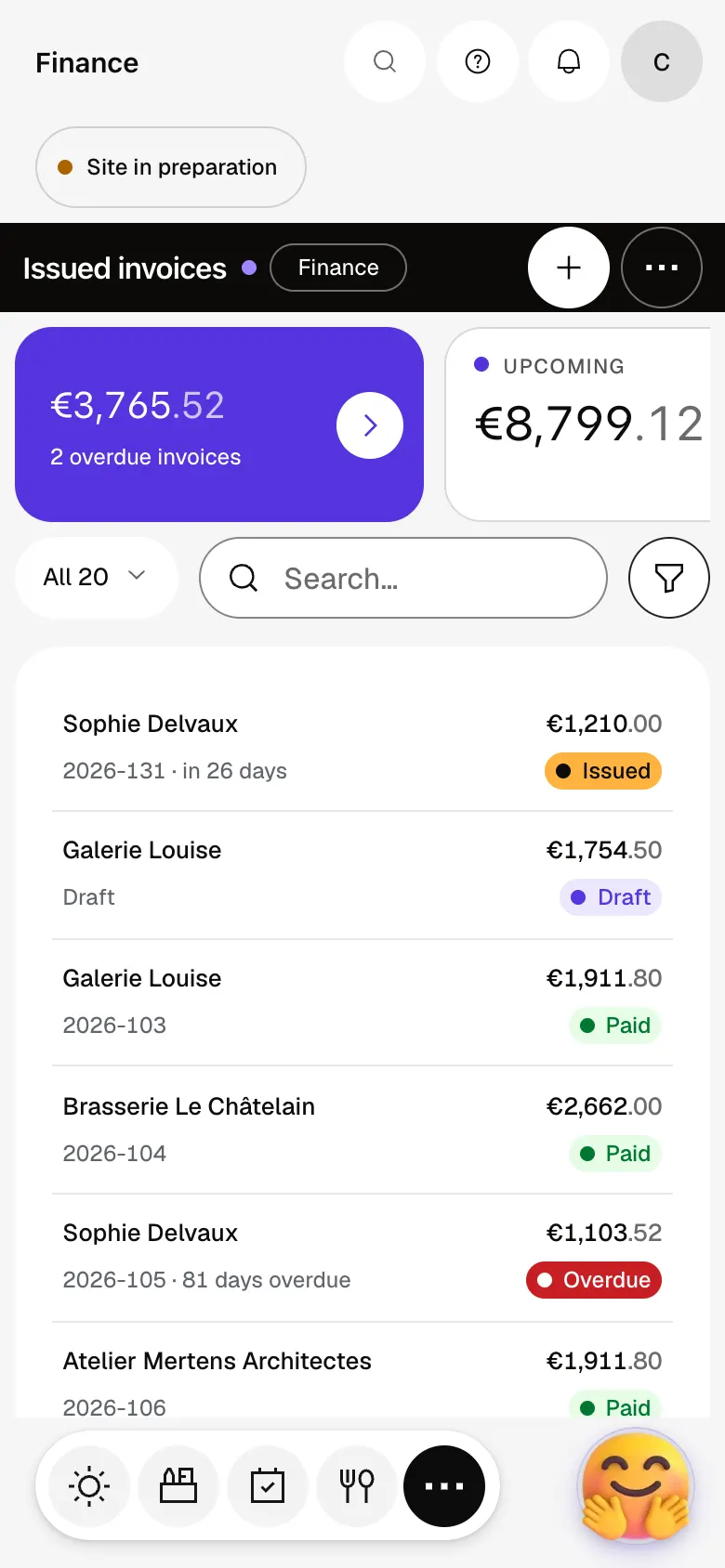
What is overdue, coming up and collected: your cash flow reads at first glance. One filter, and you see who has not paid yet, for how many days and for what amount. Automatic reminders go out by the steps you set, and stop once the invoice is paid. An invoice’s page: its lines, customer, due dates and PDF. Upcoming invoices: each row shows the customer, legal number, due date and amount. A new invoice stays an editable draft until you issue it: that is when it gets its number. Your legal notices are set once here, and appear on every document. The “?” at the top of every screen opens the module’s documentation.
Can I send over Peppol during the trial?
Not yet: during the trial you create your quotes and invoices, with their preview and PDF. Transmission over the Peppol network opens as soon as you upgrade to Spark.
What about my suppliers’ invoices?
They land in Received invoices once Peppol reception is active on your account. To turn it on, talk to Ziggy or your project manager.
Can my accountant get the invoices?
Yes. Issued invoices export as CSV. Received invoices has an “Export for the accountant” button: a ZIP archive with each document in UBL and PDF, and a CSV register.
How much does Quotes & invoices cost?
It is a standard module: included in Spark’s 4 places, then at most €24 excl. VAT per month with a 12-month commitment, less as you add modules; unlimited in Boost. During the trial, you can add it yourself from My plan, without Peppol sending.


