What this module is for
A loyalty programme linked to your shop, your till and your appointments: customers collect points, and each tier they reach gives them a discount voucher, with no paper card. If your website has its online shop, customers join the programme from the site, with their customer account.
Getting started, step by step
- Step 1
Turn the module on
In Eazyclick OS, open Settings then Eazyclick subscription, Available modules tab, and click “Request activation” next to Loyalty, or ask your project manager. During the trial, the list is in My plan, under “Add other modules”: a module marked “With Spark” opens when you move to Spark. Once active, the module shows up in the menu, with a “?” at the top of the screen that brings you back to this page.
- Step 2
Set the points rule
In Loyalty, Settings tab, tick “Program active” and enter the points per euro spent. Choose where they are earned: paid orders, honoured appointments. You can also cap earnings and make points expire.
- Step 3
Create your reward tiers
Rewards tab, “New tier”: enter the number of points to reach and the benefit, a euro voucher or a percentage off. The customer gets their voucher as soon as they cross the threshold.
- Step 4
Follow your members
Customers join the programme from the Loyalty zone on your website, with their customer account, when the programme is active and the online shop is live. Without a shop, the button leads to your contact page: nobody signs up on their own, and only an enrolled customer earns points. This zone is placed when the site is created: a site already online does not get it automatically. The Members tab shows each person’s balance, tier and vouchers, and their record keeps the points history. A correction is made with “Adjust points”, reserved for the site owner.
What it looks like
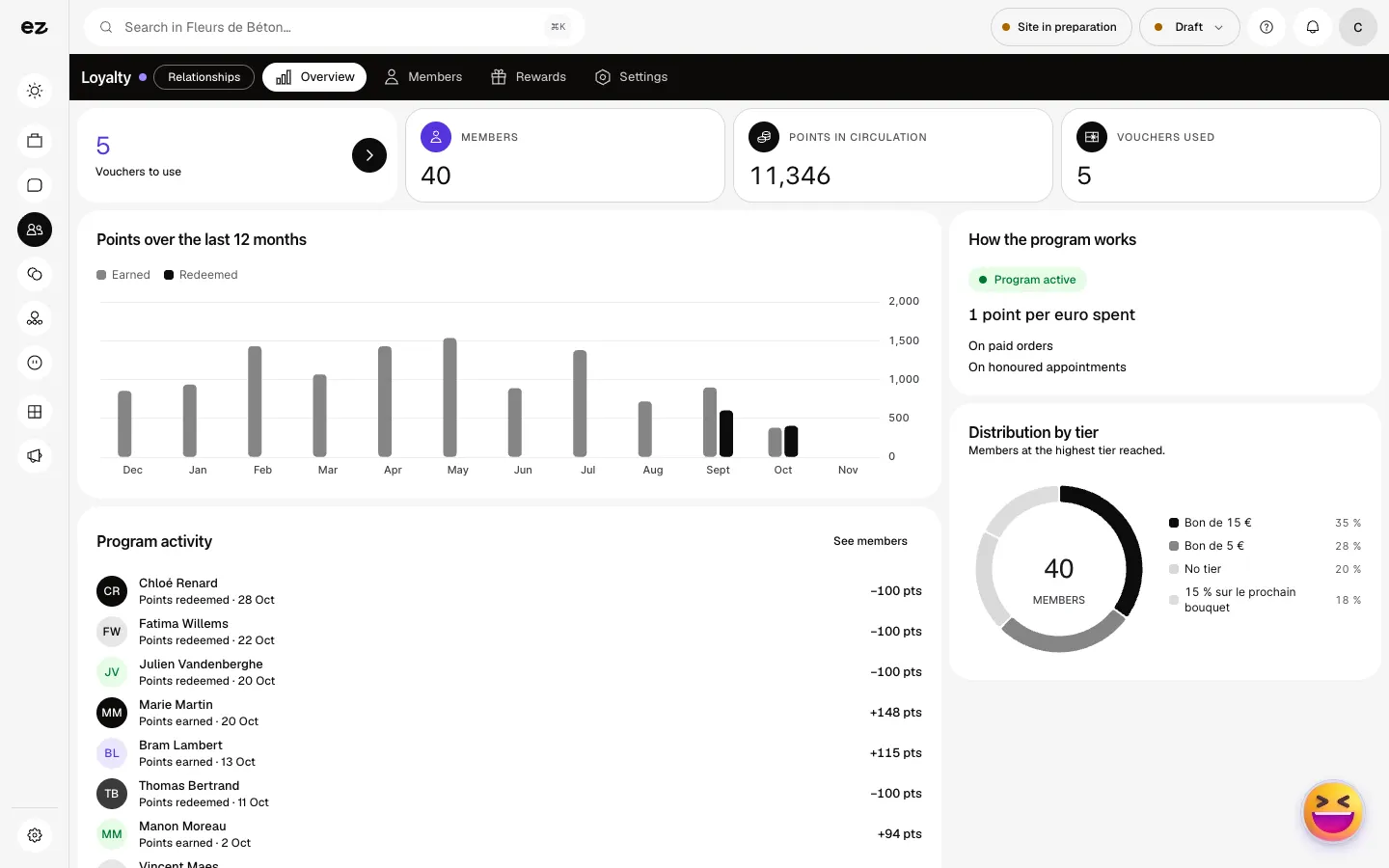
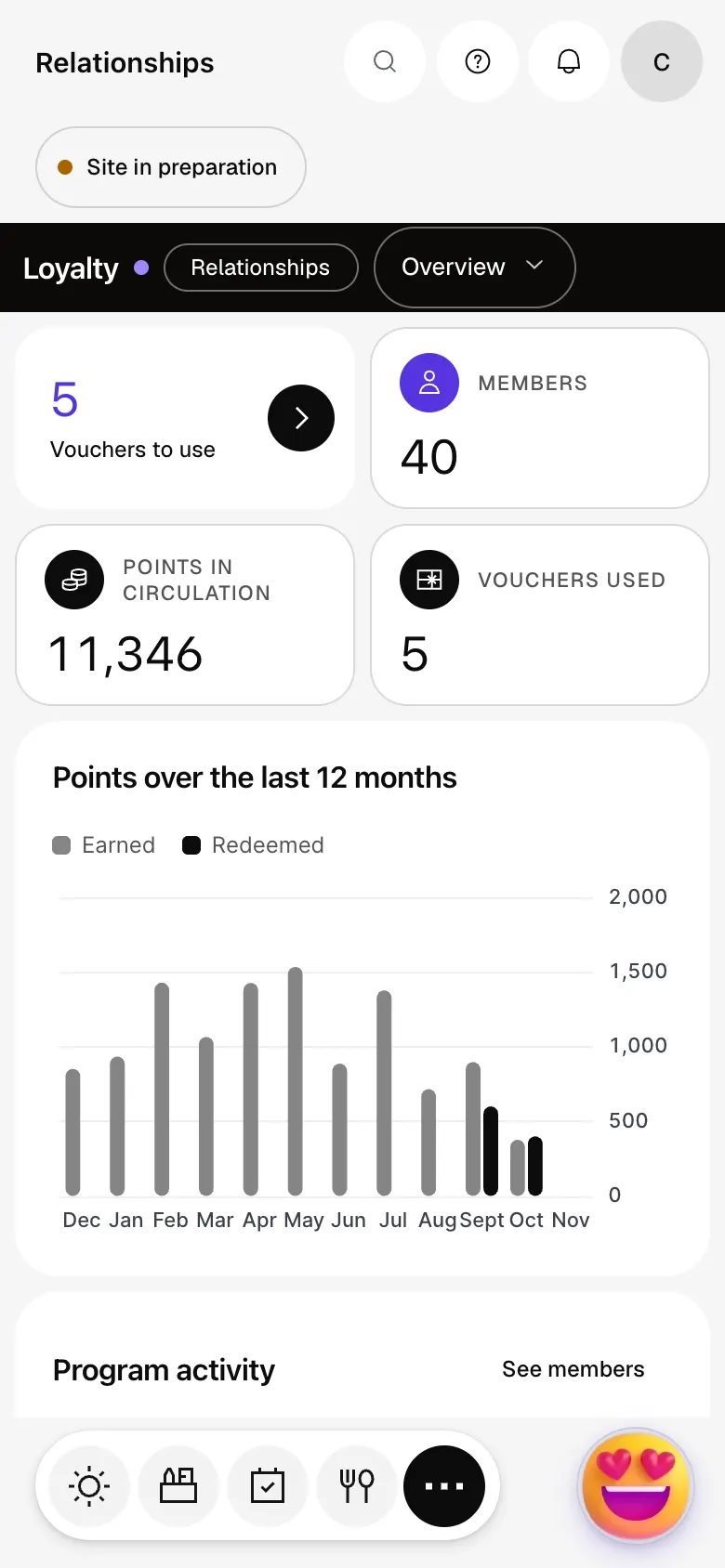
The module in one minute
Transcript
Prepare your programme here. Customers join from your website, with their customer account. This view then follows your members, their points in circulation and their vouchers to use. Month after month, points earned and redeemed show whether the programme brings customers back. On to the members: one point per euro spent, on orders and appointments. Each customer shows a balance, a tier, vouchers and the date of their last points. Your tiers: 100 points for a €5 voucher, 500 points for 15% off the next bouquet. The voucher goes out when the threshold is reached. Settings decide what earns points. The “?” at the top of every screen opens the module’s documentation.
Do customers need to install an app?
No, there is nothing to install: they sign up on your website, with their customer account. Their voucher is a discount code, usable in the shop, or to show if you have no online shop.
Do in-store purchases count?
Yes, with the Point of sale module: a counter sale linked to a customer enrolled in the programme credits their points.
Does the module work on its own?
No. Loyalty comes on top of the Shop or Appointments, and it is free with either one: their sales and appointments are what earn points.
How much does Loyalty cost?
Nothing extra: Loyalty is included with the Shop or Appointments, the module that hosts it. During the trial, you can add it yourself from My plan, if that host module is open or can be opened.


