What this module is for
A complete online shop on your website: catalogue, payment through your own Mollie or Stripe account, orders, shipping and stock shared with your till, with no Eazyclick commission.
Getting started, step by step
- Step 1
Turn the module on
In Eazyclick OS, open Settings then Eazyclick subscription, Available modules tab, and click “Request activation” next to Full e-commerce, or ask your project manager. During the trial, the list is in My plan, under “Add other modules”: a module marked “With Spark” opens when you move to Spark. Once active, the module shows up in the menu, with a “?” at the top of the screen that brings you back to this page.
- Step 2
Add your products
In Shop, Products tab, click “New product”: price, photos, variants and stock. For an existing catalogue, use “Import / Export” and import a CSV file. Only published products are on sale.
- Step 3
Connect payments
Settings tab: connect your Mollie or Stripe account with its key. Customers pay with the methods open on that account (Bancontact, card…) and the money goes straight to you, never to Eazyclick.
- Step 4
Set up shipping
Shipping and pickup tab: your shipping options and their price, flat-rate delivery in Europe and, if needed, a weight-based grid. The free-shipping threshold is set in the Settings tab.
- Step 5
Process orders
Orders arrive in the Orders tab, with their payment and shipping. Stock goes down with every sale, online and at the till.
What it looks like
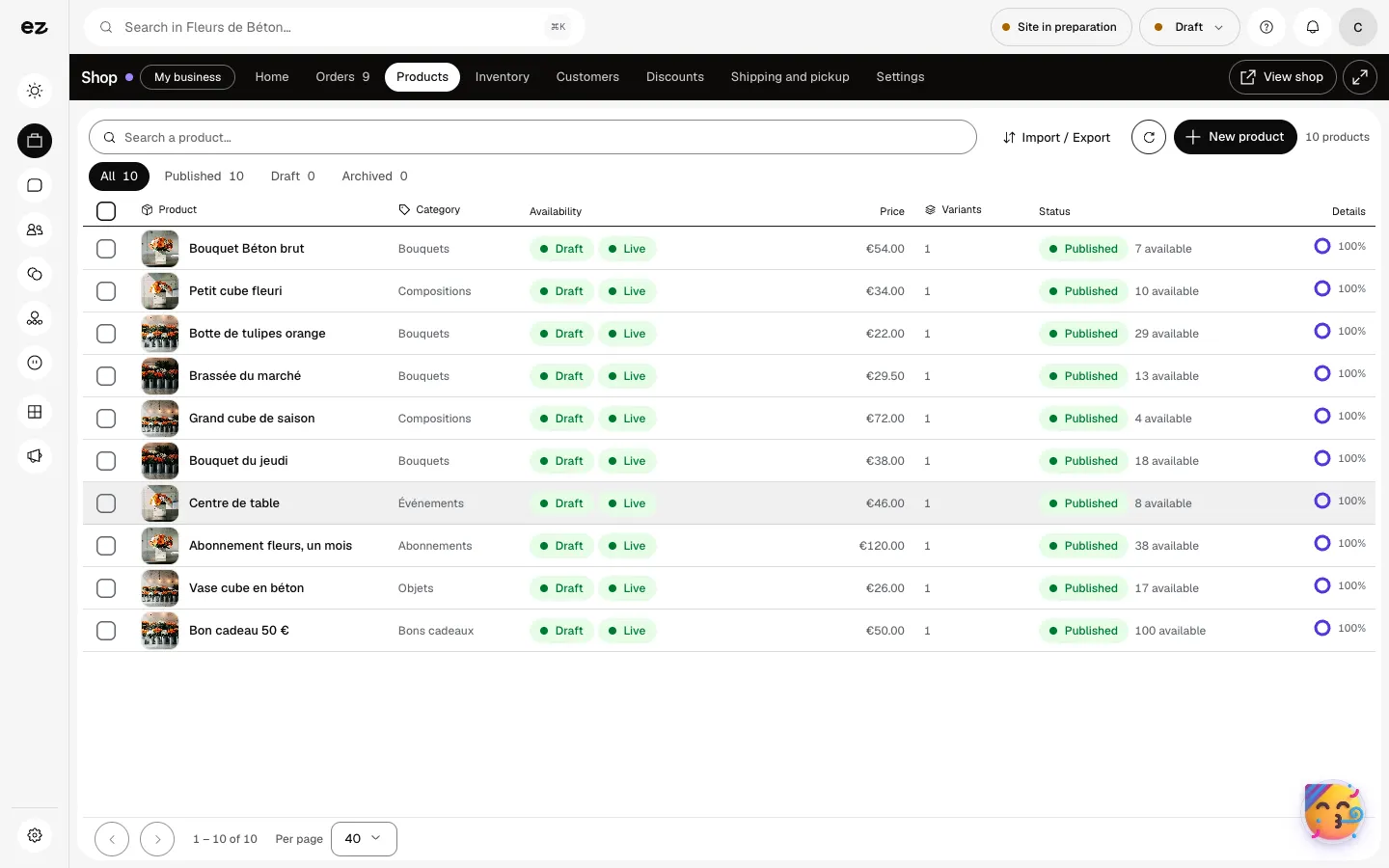
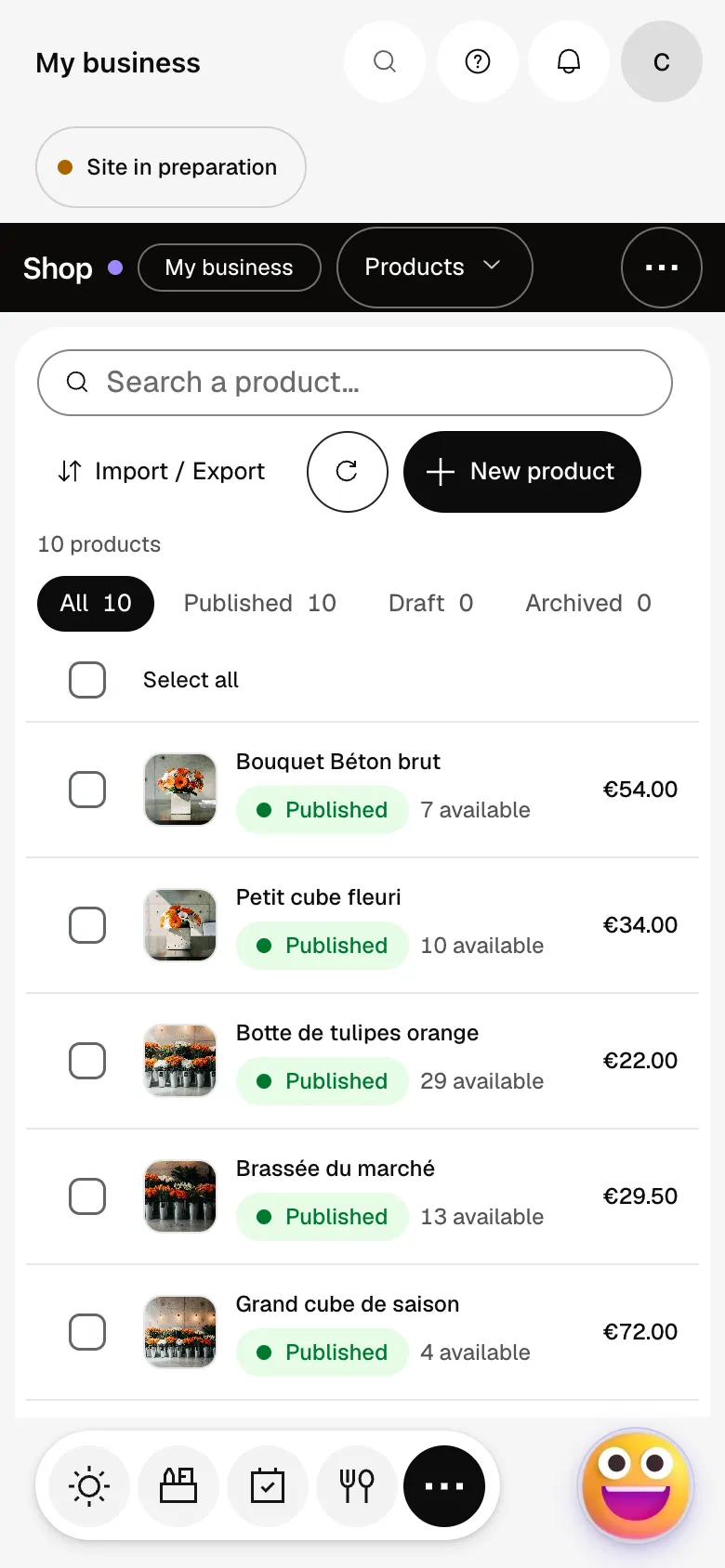
The module in one minute
Transcript
Your shop at a glance: revenue, orders and stock. What needs doing today comes first: the orders to ship. All your orders in one place, with their payment and fulfilment status. The order page brings together the items, payment, customer and shipping. Products: price, variants, stock and what is published. A new product? It appears in the shop as soon as you publish it. Stock: what is left, what is reserved, and adjustments line by line. A question? The “?” at the top of every screen opens this documentation.
Does Eazyclick take a commission on sales?
No. Only your payment provider’s fees apply.
Is stock shared with my till?
Yes, with the Point of sale module: the till sells the products and stock of the Shop.
How much does Full e-commerce cost?
€99 excl. VAT per month with a 12-month commitment (€90 over 24 months, €124 with no commitment), on top of your plan. Click & Collect is included. In a trade pack, it is part of the pack’s fixed price. During the 14-day trial, it opens if your pack contains it; otherwise it comes with Spark. Running the shop uses no credits: credits are for requests to Ziggy, such as rewriting a product sheet (5 credits) or creating an image (15 credits).


