What this module is for
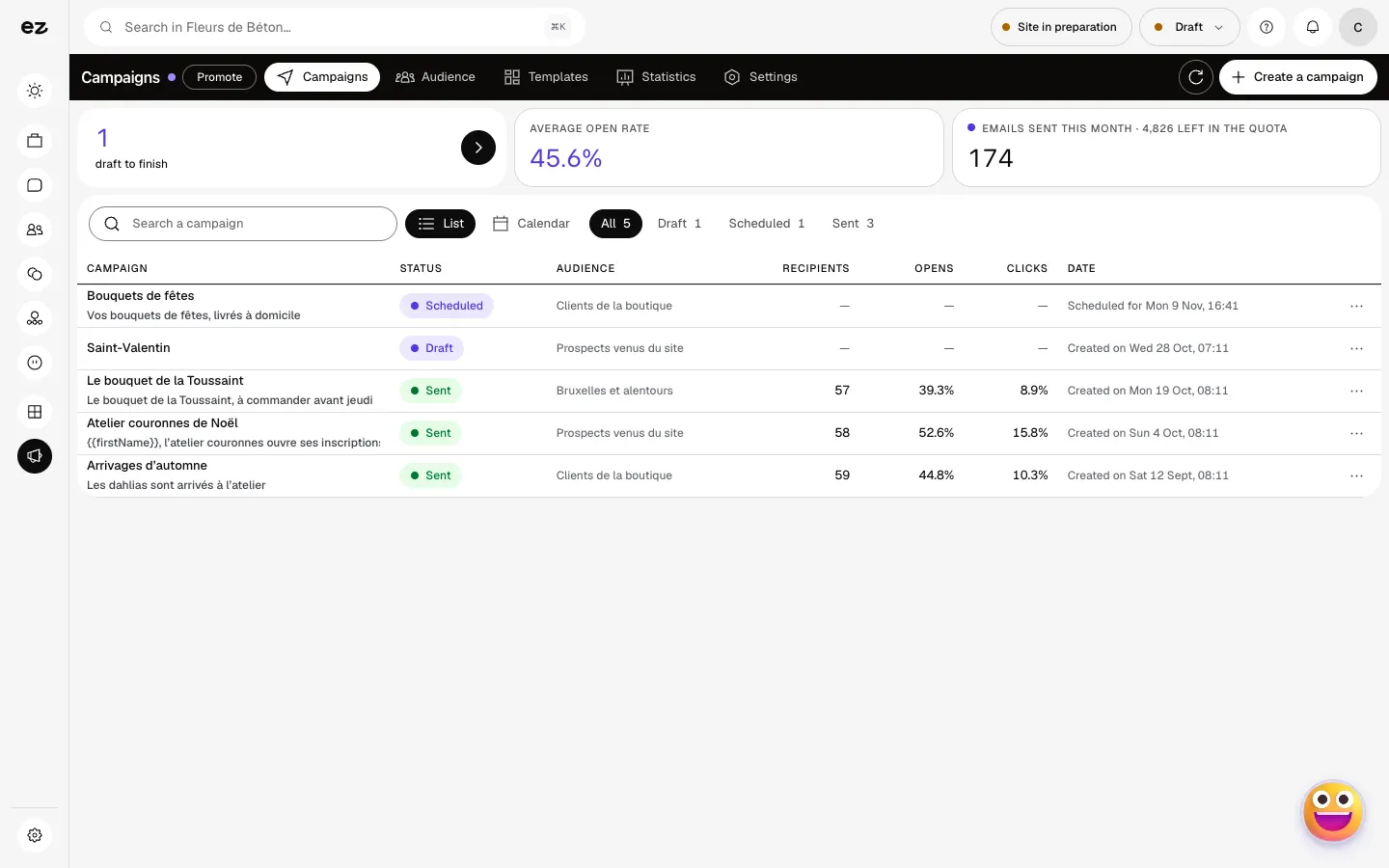
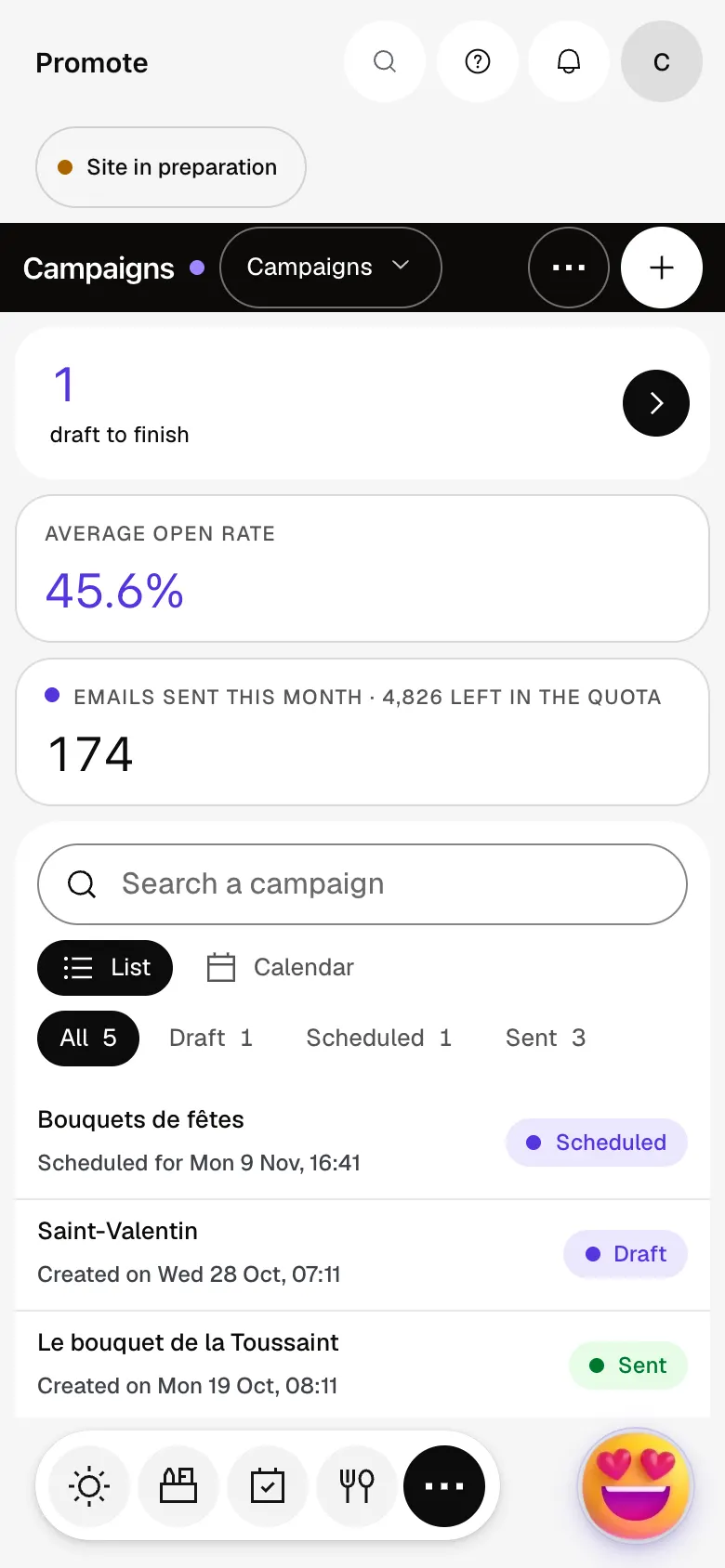
Campaigns and newsletters sent to your confirmed subscribers from the Campaigns screen: five preparation steps, segments built from your CRM, then opens, clicks and unsubscribes in a report.
Getting started, step by step
- Step 1
Turn the module on
In Eazyclick OS, open Settings then Eazyclick subscription, Available modules tab, and click “Request activation” next to Email marketing, or ask your project manager. During the trial, the list is in My plan, under “Add other modules”: a module marked “With Spark” opens when you move to Spark. Once active, the module shows up in the menu, with a “?” at the top of the screen that brings you back to this page.
- Step 2
Prepare the audience
Open Campaigns, Audience tab. Your website form feeds it, and “Add a contact” sends a confirmation request. Under Segments, “Quick starts” create Customers, Prospects or Inactive 90 days from your CRM in one click.
- Step 3
Compose the campaign
Click “Create a campaign”, name it and start from a template if you wish. Then fill in the five steps: To, From, Subject, Content, Send time. “Send a test” shows you the message before the real send.
- Step 4
Send and read the report
Choose “Send now” or “Schedule”, at least five minutes ahead. Once the campaign has gone out, “View report” gives opens, clicks, the most-clicked links and unsubscribes; the Statistics tab compares your sends.
What it looks like
The module in one minute
Transcript
All your email campaigns in one place, with the opens and clicks of each one. Create a campaign: a name, a message, then the choice of who receives it. Schedule a send in advance: it goes out on its own on the date you picked. Templates: start each send from a ready-made base rather than a blank page. Audience: your subscribers, those yet to confirm and those who have unsubscribed. Each contact keeps a status, an origin and tags, so you can target precisely. Statistics: compare your sends and see what really gets your customers to respond. The “?” at the top of every screen opens the module’s documentation.
Are unsubscribes handled?
Yes, every email carries an unsubscribe link. Unsubscribed people no longer get your campaigns and your team can’t re-subscribe them: only they can, through your website form.
Can I import my subscriber list?
No, this screen has no file import: each subscriber confirms their own subscription. They sign up through your website form, or you add them with “Add a contact” and they receive a confirmation email.
How many emails can I send?
5,000 a month, at no extra cost; beyond that, the send is refused. The counter is in the Settings tab, on the “This month’s quota” line. These sends use no credits.
Is the module open during the trial?
No. It sends emails, so it opens from Spark onwards, even when it’s part of your trade’s pack.
How much does Email marketing cost?
The price of Email marketing is shown on the module page and on the Pricing page. Eazyclick subscription also shows what it adds to your subscription before you request it.


