What this module is for
Receive online donations, one-time, monthly or yearly, into your organisation’s account with no Eazyclick commission. Follow campaigns, donors and tax receipts, and prepare your membership plans.
Getting started, step by step
- Step 1
Turn the module on
In Eazyclick OS, open Settings then Eazyclick subscription, Available modules tab, and click “Request activation” next to Donations & memberships, or ask your project manager. During the trial, the list is in My plan, under “Add other modules”: a module marked “With Spark” opens when you move to Spark. Once active, the module shows up in the menu, with a “?” at the top of the screen that brings you back to this page.
- Step 2
Connect payment
While the “Online payment not connected” banner shows, your campaigns receive no donations. Contact Ziggy or our team to connect your organisation’s payment account.
- Step 3
Create a campaign
In Donations, Campaigns tab, click “New campaign”: title, goal, description, deadline and starting status. Your website’s donation page offers €10, 25, 50 or 100 or another amount, one-time, monthly or yearly.
- Step 4
Follow gifts and donors
The dashboard shows the amount raised, paid donations and active recurring gifts. The Donations and Donors tabs detail each gift and each person’s total, linked to their CRM record.
- Step 5
Issue tax receipts
If your organisation is approved by the Belgian SPF Finances, enter your approval number in Settings. In Tax receipts, “Generate this year’s receipts” prepares them for donors from €40 over the year; then send them.
What it looks like
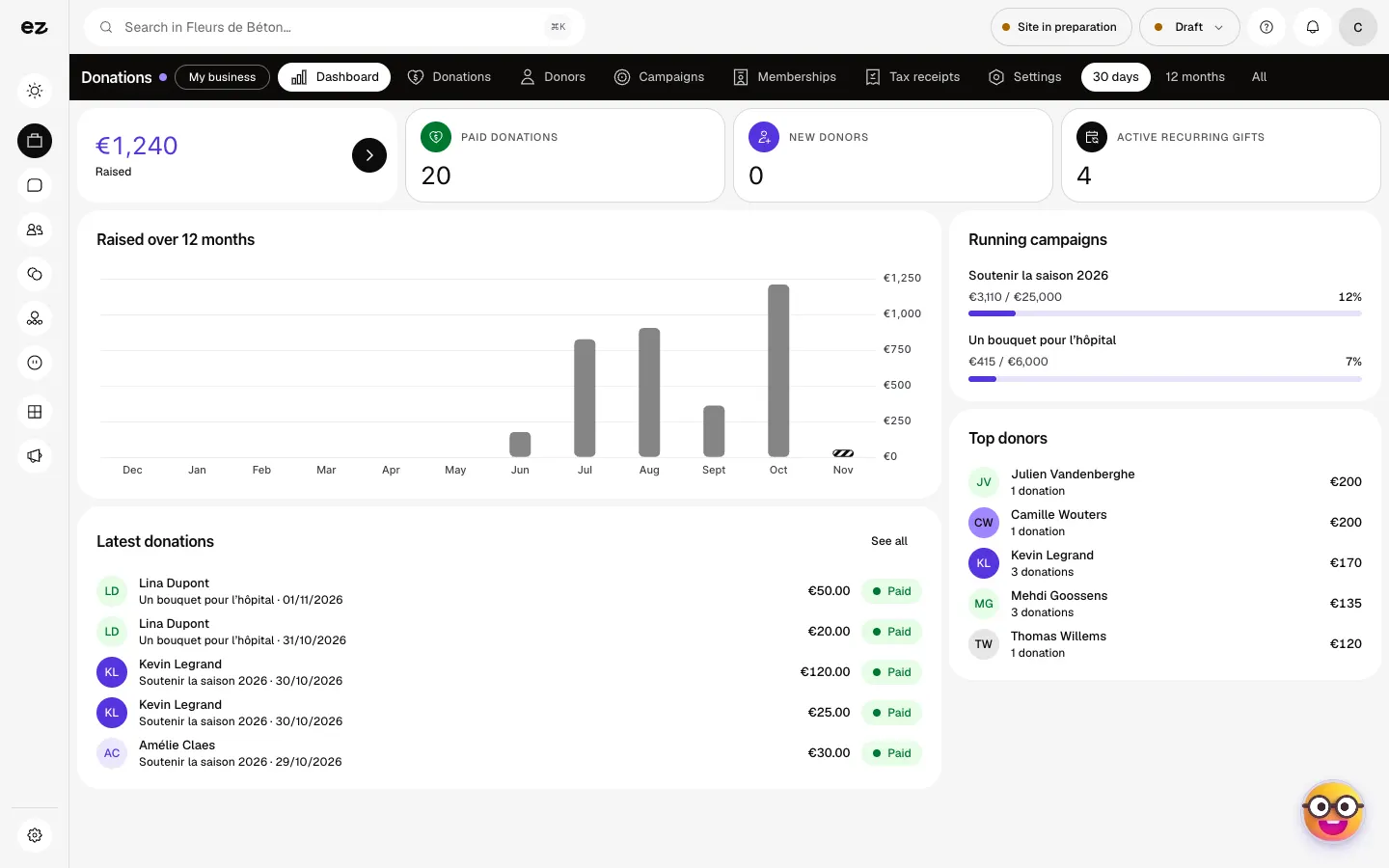
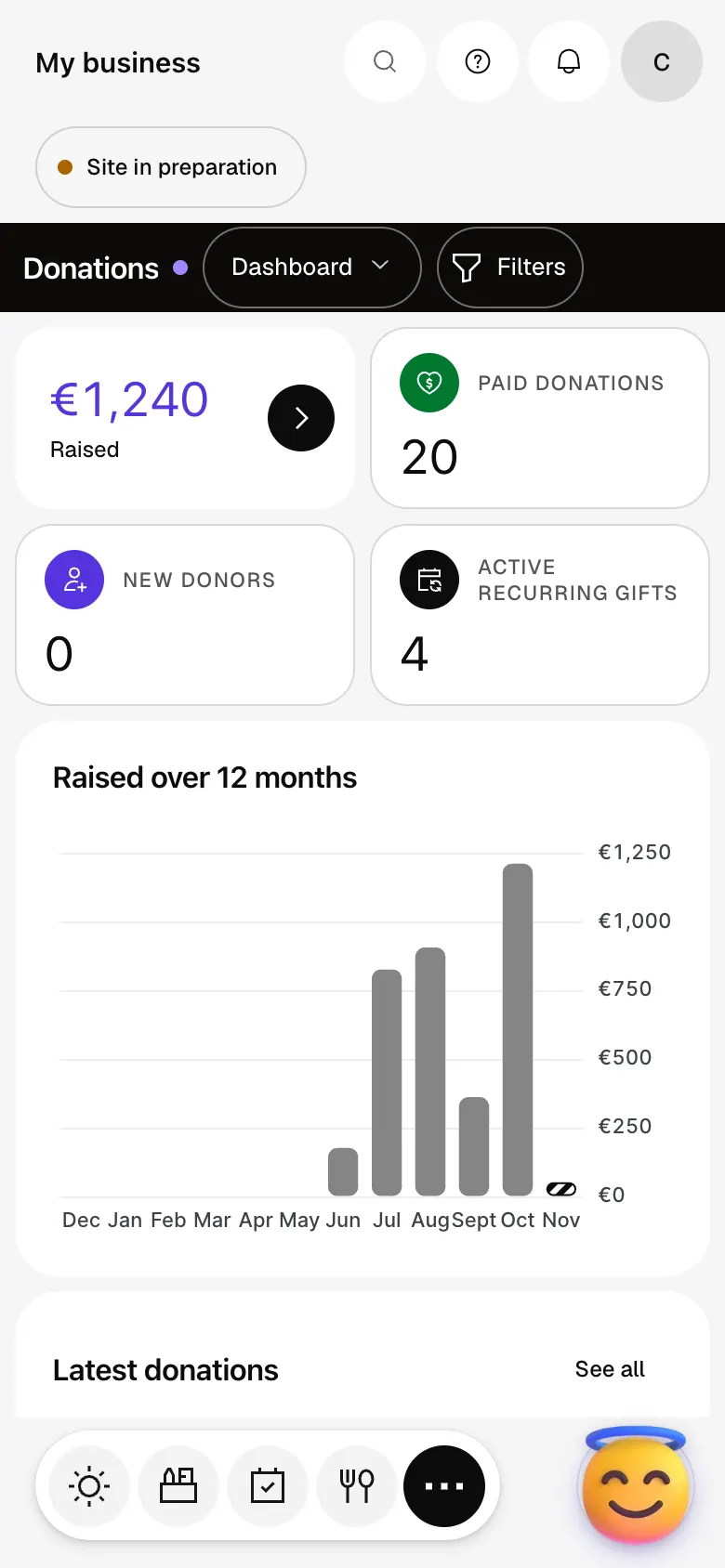
The module in one minute
Transcript
The amount raised, paid donations and recurring gifts, at a glance. Your latest gifts and top donors sit on the same page. One campaign, one goal: progress moves with every gift received. Every gift is listed, with its campaign, amount and status. Your donors: total given, number of gifts and how often they give. Tax receipts: consolidated at year end, from €40 a year. Send in one go the ones still waiting to go out. The “?” at the top of every screen opens the module’s documentation.
Does Eazyclick take a commission on donations?
No: the money goes to your organisation’s account; only payment provider fees apply.
Does the donor get a receipt?
Yes, by email after payment, if they ticked the box on the donation form.
Can my members sign up online?
Not yet. In the Memberships tab, “Membership plans” prepares your plans (name, fee, billing period), and members are followed there with their renewal date and a reminder. Signing up from the website isn’t available yet.
Can I try it during the free trial?
Yes if your trade’s pack includes it, as for non-profits and clubs. Otherwise it opens with Spark: it can’t be added during the trial. Spark includes four standard modules; beyond that, the price per module falls as you add more. This module uses no credits.
How much does Donations & memberships cost?
The price of Donations & memberships is shown on the module page and on the Pricing page. Eazyclick subscription also shows what it adds to your subscription before you request it.


