What this module is for
The CRM keeps every contact, company and deal in one place, from the request received on your website to the won deal. You see who to follow up, where each prospect stands and a customer’s full history on their record. Ziggy Ventes, on with CRM Pro, reads your notes in the CRM and on appointments and suggests the updates: nothing is applied without you.
Getting started, step by step
- Step 1
Turn the module on
In Eazyclick OS, open Settings then Eazyclick subscription, Available modules tab, and click “Request activation” next to CRM Pro, or ask your project manager. During the trial, the list is in My plan, under “Add other modules”: a module marked “With Spark” opens when you move to Spark. Once active, the module shows up in the menu, with a “?” at the top of the screen that brings you back to this page.
- Step 2
Import your contacts
Open Contacts then “Import” and drop in your CSV file (a template is available to download). You link each column to a field, check, then import. A record that already exists, with the same email or phone, is completed.
- Step 3
Receive your website’s requests
Every form on your website creates or updates a contact, and the request lands on their record. Nothing to connect for Eazyclick forms.
- Step 4
Track your deals
In Opportunities, click “New deal”, then move it from column to column, in Board or List view. The Follow-up tab shows what is waiting for a follow-up: “Schedule a follow-up” sets it for the right day.
- Step 5
Organise with lists and tags
In Contacts, the Tags and Lists tabs sort your records (customer, supplier, VIP…). “New list” groups the customers to follow up together.
- Step 6
Adjust or turn off Ziggy Ventes
Ziggy Ventes is on with CRM Pro: it reads the notes entered in the CRM and those on appointments, and can use your credits. To turn it off or adjust it, go to Opportunities, Ziggy Ventes tab then Settings. Email threads linked to a record, meeting notes and call notes are only added once you have accepted the notice, in those same settings. What it suggests waits for you in To review.
What it looks like
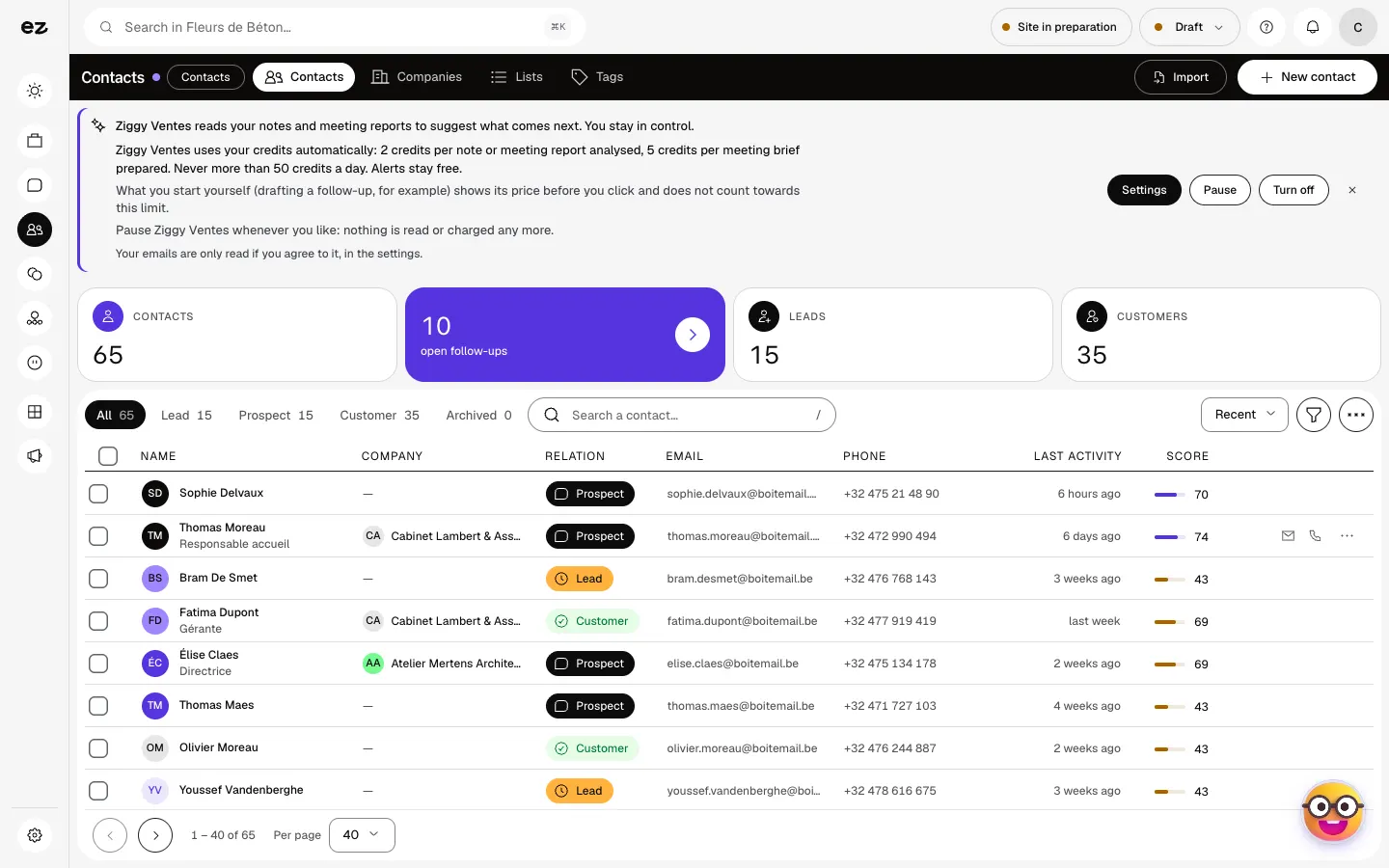
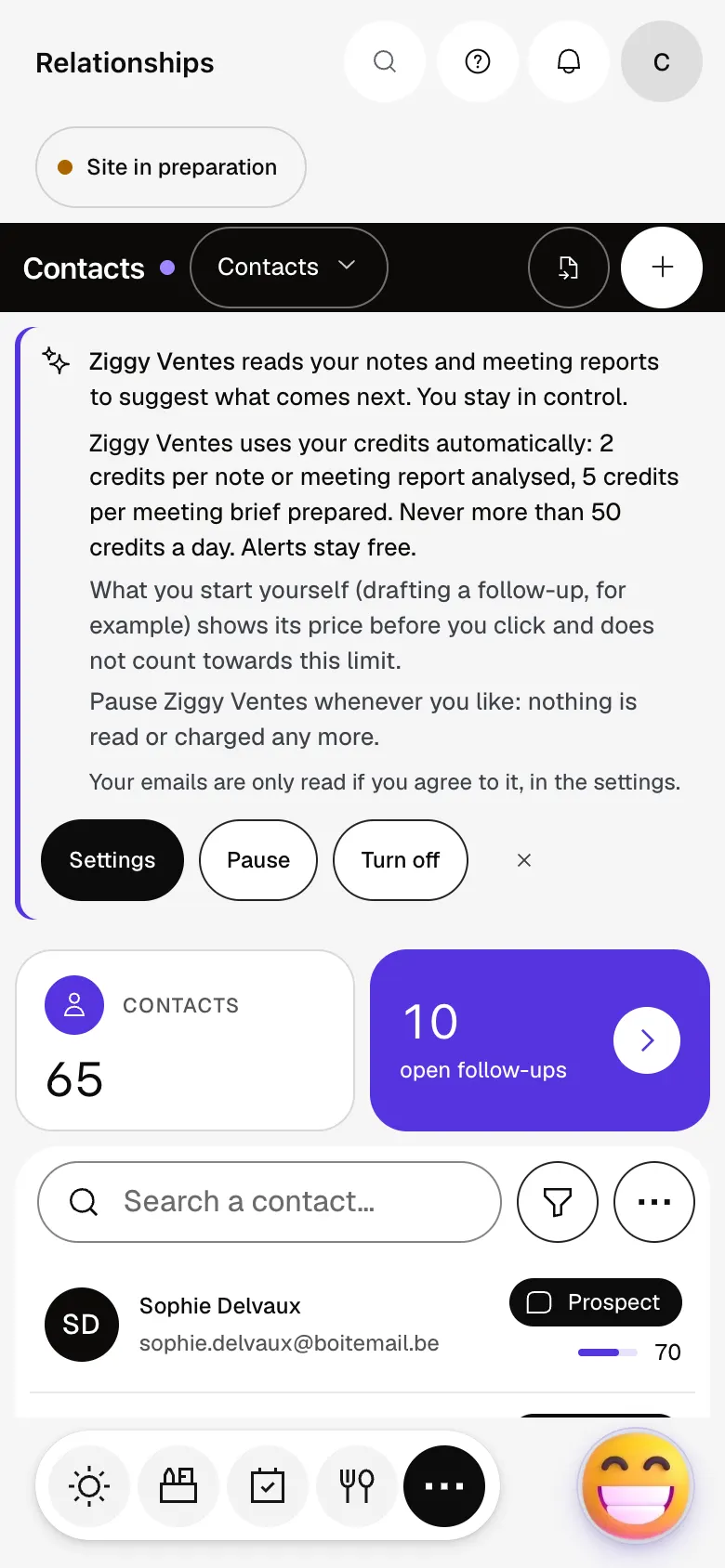
The module in one minute
Transcript
All your deals, stage by stage, with what they could bring in this month. A €3,200 wedding is in progress: open the deal to see where it stands. Amount, probability, next task: it is all there. Once it is signed, mark it as won. Sophie’s record starts with what needs doing today, with the history below. Your contacts, sorted into lead, prospect or customer. Add one, or import your file. Lists group the customers to follow up together, for a call round or a campaign. The “?” at the top of every screen opens the module’s documentation.
Which file can I import?
A CSV file, the format almost every tool offers on export. An Excel file can be saved as CSV from Excel. Importing is part of CRM Pro.
Does my whole team see the same contacts?
Yes. Contacts are shared across your workspace; each person’s role, set in Team access, decides whether they can edit or only read.
Does Ziggy Ventes change my records on its own?
No. It suggests, you decide: a field update or an email always waits for your approval. Only a task or a tag can be added on its own, if you set that action to Autonomous, and it can be undone for 10 minutes.
How many credits does Ziggy Ventes use?
2 credits to analyse an exchange, 2 to update a record’s memory, 2 for a follow-up draft and 5 for a meeting brief. Alerts are free. Automatic analyses stop at a daily cap, 50 credits by default, which you set yourself.
What does CRM Pro add to contacts?
Contacts are included in every plan. CRM Pro adds importing, opportunities, activities, targets, qualification and Ziggy Ventes.
How much does CRM Pro cost?
It is a standard module: included in Spark’s 4 places, then at most €24 excl. VAT per month with a 12-month commitment, less as you add modules; unlimited in Boost. During the trial, you can add it yourself from My plan. Ziggy Ventes uses your credits, those of your plan first, then the ones you buy.


