What this module is for
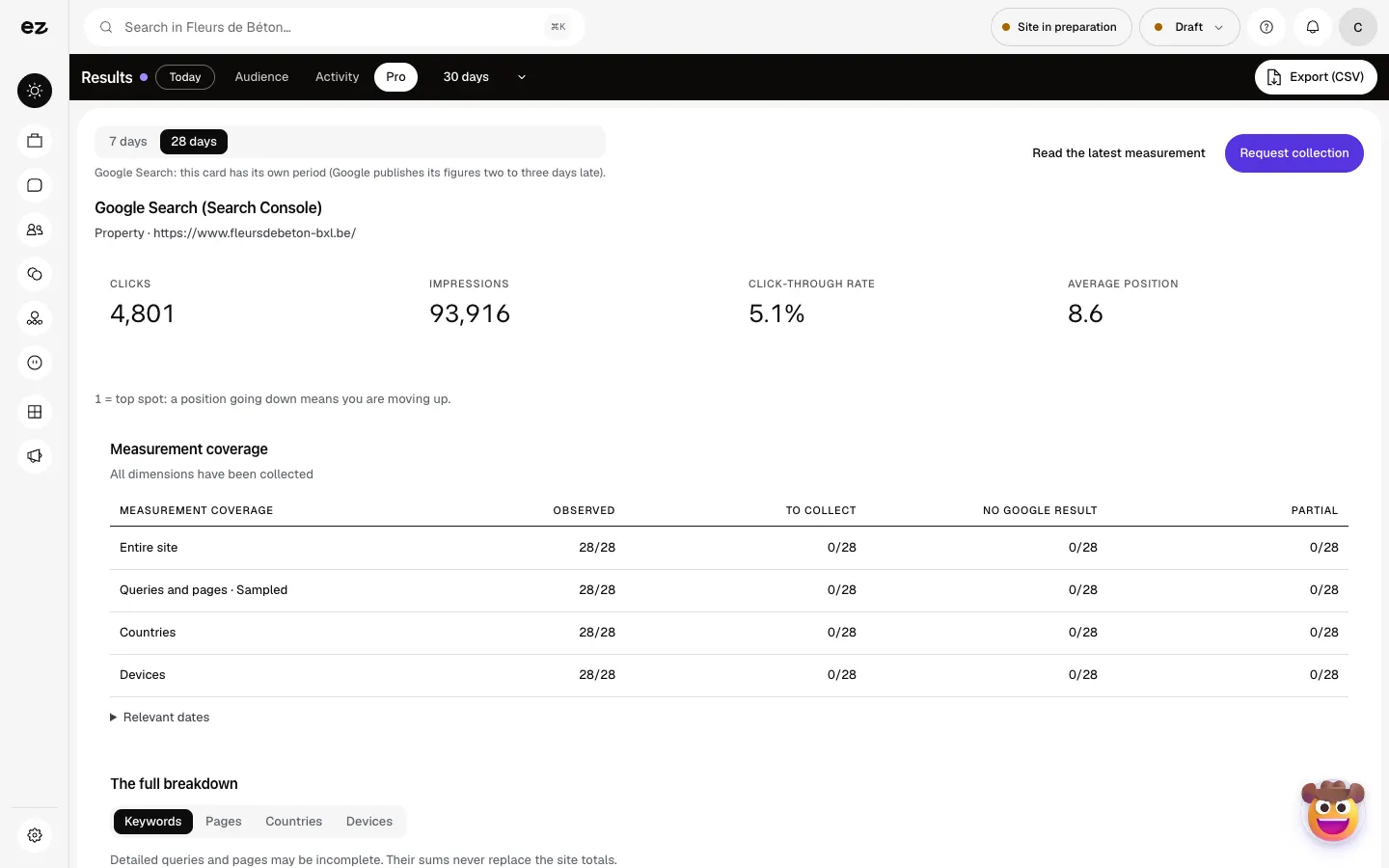
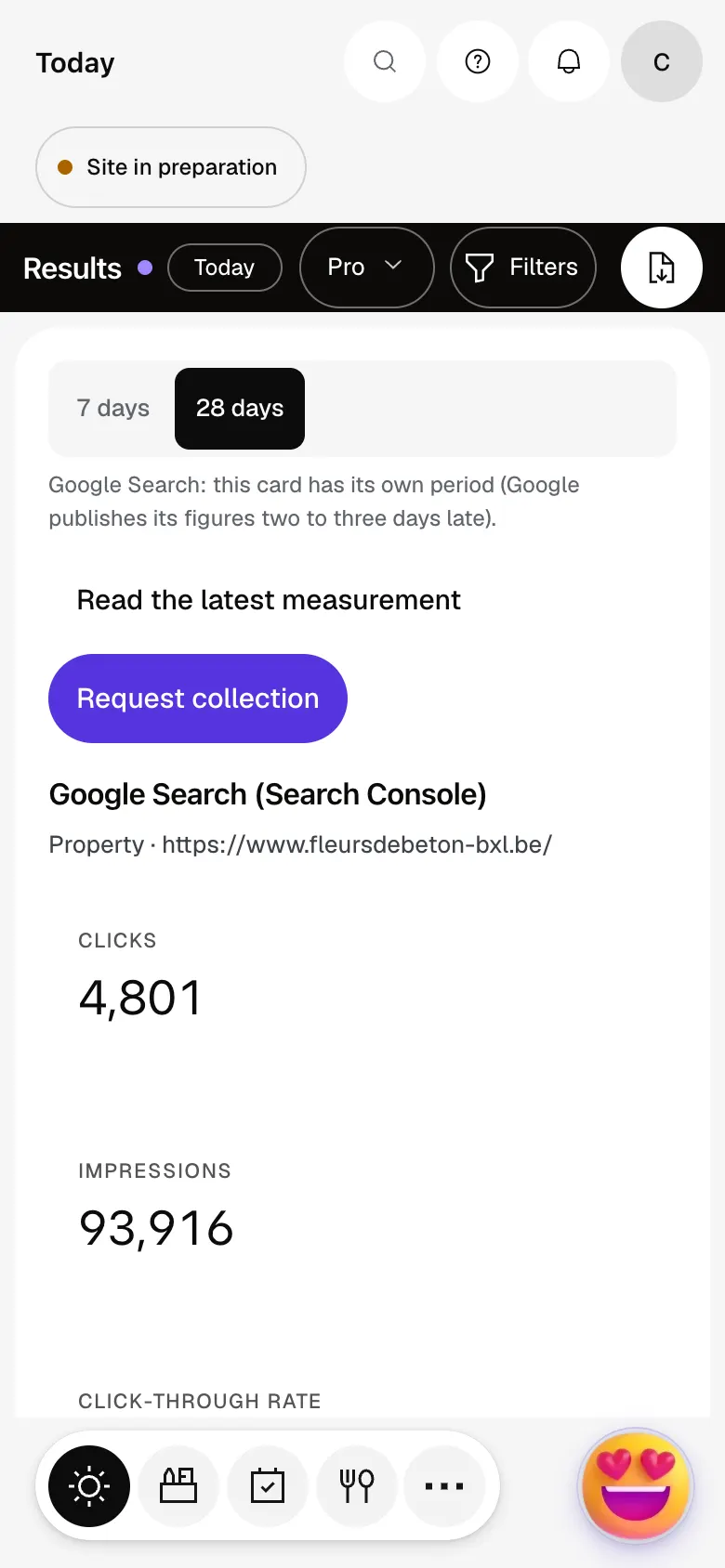
Analytics Pro opens the Pro tab of your Results: funnels, heatmaps, form analytics, users flow and Google Search, to see where your visitors move on and where they stop.
Getting started, step by step
- Step 1
Turn the module on
In Eazyclick OS, open Settings then Eazyclick subscription, Available modules tab, and click “Request activation” next to Analytics Pro, or ask your project manager. During the trial, the list is in My plan, under “Add other modules”: a module marked “With Spark” opens when you move to Spark. Once active, the module shows up in the menu, with a “?” at the top of the screen that brings you back to this page.
- Step 2
Open the Pro tab
In Results, open the Pro tab and pick the period: 7 days, 30 days, 90 days or 12 months. Measurement starts with the first visits to your published website, with visitor consent.
- Step 3
Create a funnel
In Funnels, under “Create a funnel”, give it a name and set the pages of the journey with “Add a step”: 2 to 8 steps, up to 20 funnels per site.
- Step 4
Read the behaviour
Heatmaps shows Reading depth and Click zones, Form analytics follows your forms and Users flow draws the path from page to page. “Export (CSV)” takes the figures with you.
What it looks like
The module in one minute
Transcript
Analytics Pro: Google’s figures, your funnels, heatmaps, forms and flows. These figures come straight from Google: you can check them in your Search Console. Conversion funnels: you see the step where your visitors stop. Heatmaps: how far each page gets read, and where people click. Form analysis: views, starts, submissions and drop-offs for each form. User flows: where your visitors start, and which page they go to next. Export your figures as CSV to reuse them in your spreadsheet or pass them on. The “?” at the top of every screen opens the module’s documentation.
Do I need Google Analytics?
No, measurement is built into your Eazyclick website, respecting visitor consent.
How is it different from basic statistics?
The Audience and Activity tabs stay open without this module: visits, sources, campaigns, requests and revenue. Analytics Pro adds the Pro tab.
Is the module open during the trial?
No, you add it from Spark onwards. During the trial, you keep Audience and Activity.
How much does Analytics Pro cost?
The price of Analytics Pro is shown on the module page and on the Pricing page. Eazyclick subscription also shows what it adds to your subscription before you request it.


